Best Laptops for College Students in 2026
The best college laptops you can buy in 2026, ranked on published battery runtimes from Tom's Guide, RTINGS and CNN Underscored, with real prices.
How TechSilico Formulates This Buying Guide
TechSilico does not test laptops. We collected the battery runtimes and performance results published by Tom's Guide, Tom's Hardware, RTINGS, CNN Underscored and TechRadar, and compared what each of them found. Every number below names the outlet that produced it and links to the page it appeared on.
[!NOTE] Studying engineering, architecture or another CAD-heavy subject? Those courses have Windows-only software requirements that rule out most of this list. Read our best laptops for engineering students guide instead.
Which laptop should a student buy in 2026?
Buy the MacBook Air M5 at $1,099 unless your course requires Windows. If it does, or if you want the longest battery in this guide, buy the Dell XPS 14 at $1,299. If money is tight, the Lenovo IdeaPad Slim 3x at $499 does everything undergraduate coursework actually needs.
One decision matters more than any specification on this page: check whether your department mandates Windows-only software before you spend anything.
1. Apple MacBook Air 13 (M5) - best overall
$1,099 · released 11 March 2026
The important change this year is not the chip. It is that Apple doubled base storage to 512GB while holding the price at $1,099, which removes the one genuine flaw in previous Airs - you cannot upgrade storage later, so buying a 256GB machine for a four-year degree was always a mistake.
RTINGS measured over 13 hours of light web browsing. CNN Underscored measured 16 hours 38 minutes playing looping 4K video, 14% longer than the M4 Air. Those are different tests and should not be averaged - but both clear a full day of classes.
It is also fanless, which matters more than it sounds in a silent library.
Against it: the Dell XPS 14 lasts substantially longer, and macOS is a hard blocker for some courses.
2. Dell XPS 14 (2026) - best battery life
$1,299 · Intel Panther Lake
Tom's Guide measured 20 hours 41 minutes on its web-browsing test at 150 nits, with the Panther Lake and 1200p LED configuration. That is the longest figure in this guide and roughly seven hours beyond the MacBook Air's web result.
It also brings three Thunderbolt 4 ports and Wi-Fi 7, and it runs Windows, which removes any course-software question.
Against it: $1,299 makes it the most expensive pick here, the 1200p panel that achieved 20:41 is not Dell's sharpest option, and it is heavier than the Air.
3. Dell XPS 13 - best Windows value
Under $700
Tom's Guide positions the XPS 13 as the Windows answer for students who want a premium thin design and over 14 hours of battery rather than raw power. For essay writing, research, lecture notes and video calls - which is most of an undergraduate degree - that trade is the right one.
The budget option: Lenovo IdeaPad Slim 3x at $499
Tom's Guide's budget pick includes 16GB of RAM, a 15.3-inch 1920 x 1200 touch display and around 16 hours of battery for $499. That is more endurance than the $1,099 MacBook Air posts on a web-browsing test, at less than half the price.
It is not a ranked card above for a narrow reason worth stating plainly: we do not have a photograph of that specific model, and we are not going to illustrate it with a picture of a different Lenovo laptop.
How to Choose
Check course requirements first. Engineering, architecture and some sciences require Windows-only software. That single fact overrides everything else on this page.
Buy storage, not processor. None of these laptops can be upgraded after purchase. 512GB is the floor for a four-year machine.
Do not compare battery figures across outlets. RTINGS got over 13 hours from the MacBook Air browsing the web; CNN Underscored got 16:38 from the same laptop playing video. Both are accurate. Neither is comparable to the other.
Weigh the weight. A machine carried between buildings daily is a different purchase from a desk machine.
If you are considering a dedicated Windows ultrabook, see our best Windows laptops guide or read our head-to-head MacBook Air M5 vs Dell XPS 13 comparison. If you are also replacing your phone this term, our best smartphones guide covers the current lineup, and the iPhone 18 Pro Max vs Galaxy S26 Ultra comparison covers the two flagships in detail.
Sources
- RTINGS - MacBook Air 13 (M5, 2026) review - web browsing battery result.
- CNN Underscored - MacBook Air M5 review - 4K video battery result and M4 comparison.
- Tom's Guide - Best laptops for battery life 2026 - Dell XPS 14 20:41 measurement and test methodology.
- Tom's Guide - Best laptops for students 2026 - XPS 13 and IdeaPad Slim 3x recommendations.
- Tom's Hardware - Best college laptops - benchmarked student picks.
- Tom's Hardware - Best laptops 2026 - productivity and portability benchmarking.
- Macworld - M5 MacBook Air guide - specifications, storage and pricing.
- Forbes Vetted - MacBook Air M5 review - build and day-to-day assessment.
*Published: 22 September 2026 · Last updated: 22 September 2026*
*TechSilico does not test laptops. Every measurement above was produced by the outlet credited beside it.*
Quick Picks: Top Recommendations at a Glance
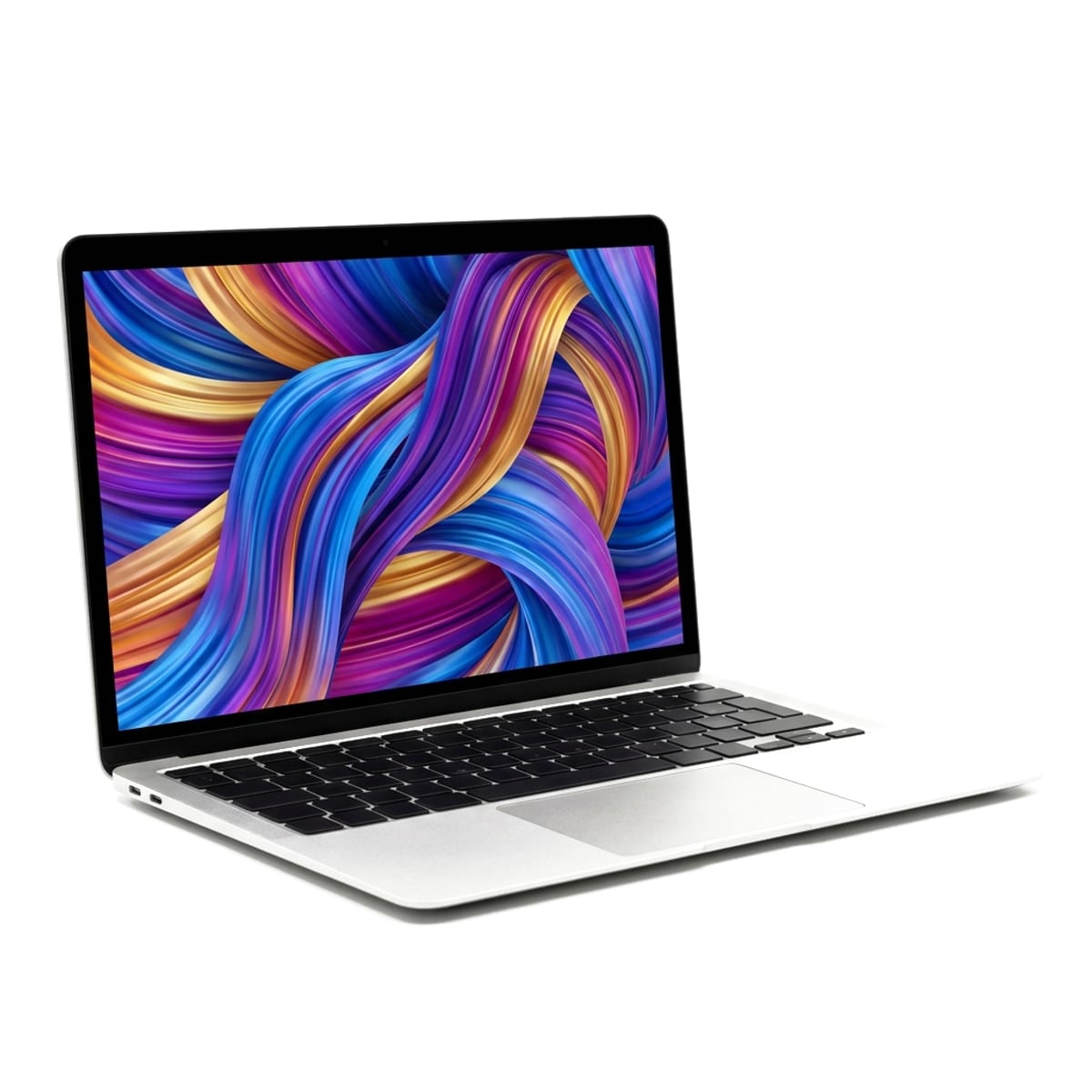
Apple MacBook Air 13 (M5)
Most students, most courses - the default recommendation unless your department requires Windows
Apple MacBook Air 13 (M5, 2026)
Released 11 March 2026
Synthesized Consensus Verdict
The default answer for most students. Apple doubled the base storage to 512GB at the same $1,099 price, which removes the single biggest complaint about previous Airs. Battery results vary a lot by test - from 13 hours of web browsing to 16 and a half hours of video - but every outlet agrees it comfortably clears a full day of classes.
- Over 13 hours of light web browsing in RTINGS testing
- 16 hours 38 minutes in CNN Underscored's 4K looping video test, 14% longer than the M4 Air
- 512GB base storage, double the previous generation, at the same price
- Wi-Fi 7 and Bluetooth 6
- Silent: no fan to spin up in a quiet library
- Beaten on battery by the Dell XPS 14
- macOS only - check whether your course software requires Windows before buying
- No upgradeable RAM or storage after purchase
Key Hardware Specs
The MacBook Air M5's battery lasts over 13 hours of light web browsing.
A 4K looping video battery life test showed 16 hours and 38 minutes of endurance, which is 14% longer than the MacBook Air M4 lasted.
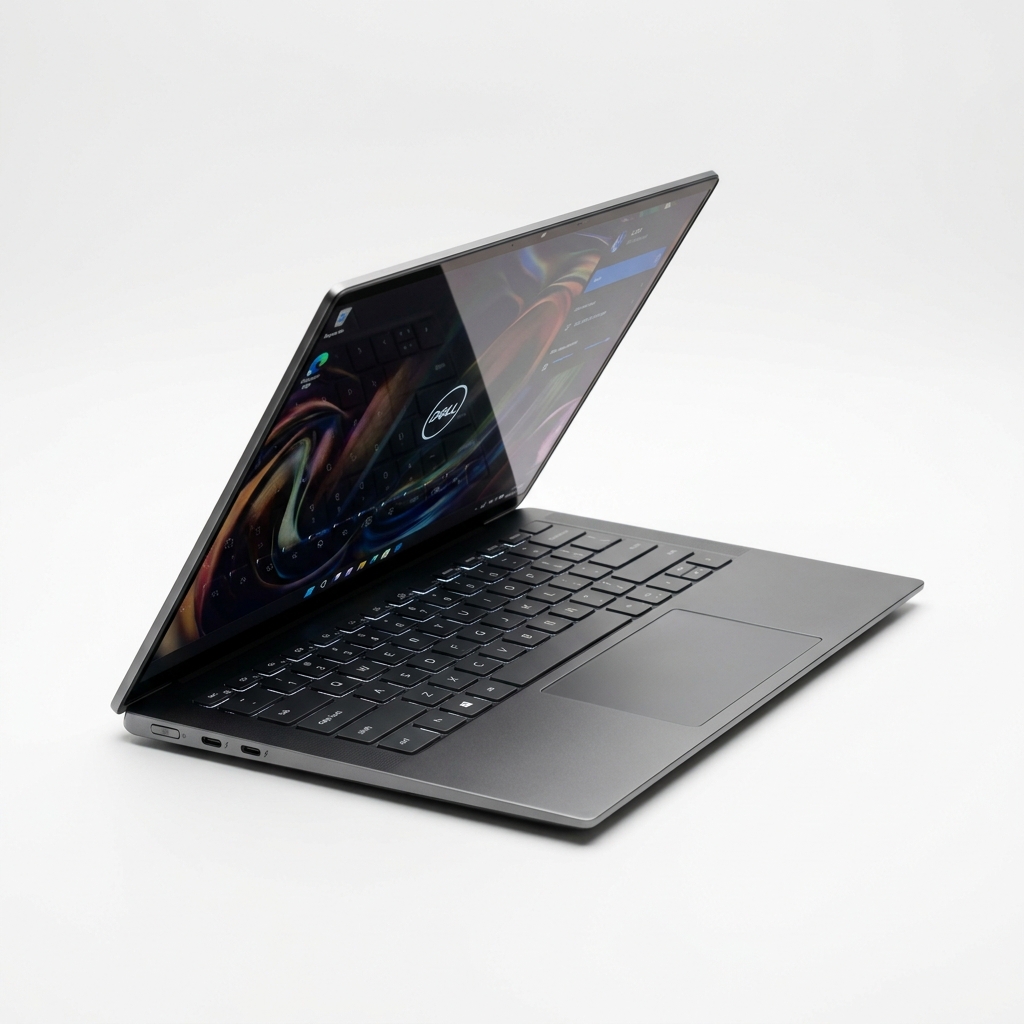
Dell XPS 14 (2026, Intel Panther Lake)
Longest battery result in Tom's Guide's 2026 testing
Synthesized Consensus Verdict
Tom's Guide measured 20 hours and 41 minutes on its standard web-browsing test at 150 nits, which is the longest figure in this guide by a wide margin and about seven hours more than the MacBook Air managed on RTINGS' comparable test. If you leave the house at 8am and come back at midnight, this is the machine.
- 20 hours 41 minutes in Tom's Guide's web-browsing test at 150 nits
- Intel Panther Lake silicon
- Three Thunderbolt 4 ports and Wi-Fi 7
- Runs Windows, so no course-software compatibility questions
- $1,299, the most expensive pick here
- The 1200p LED configuration that hit 20:41 is not the sharpest panel Dell sells
- Heavier than the MacBook Air
Key Hardware Specs
The Dell XPS 14 (2026) with Intel Panther Lake and a 1200p LED display achieved over 20 hours and 41 minutes in testing.
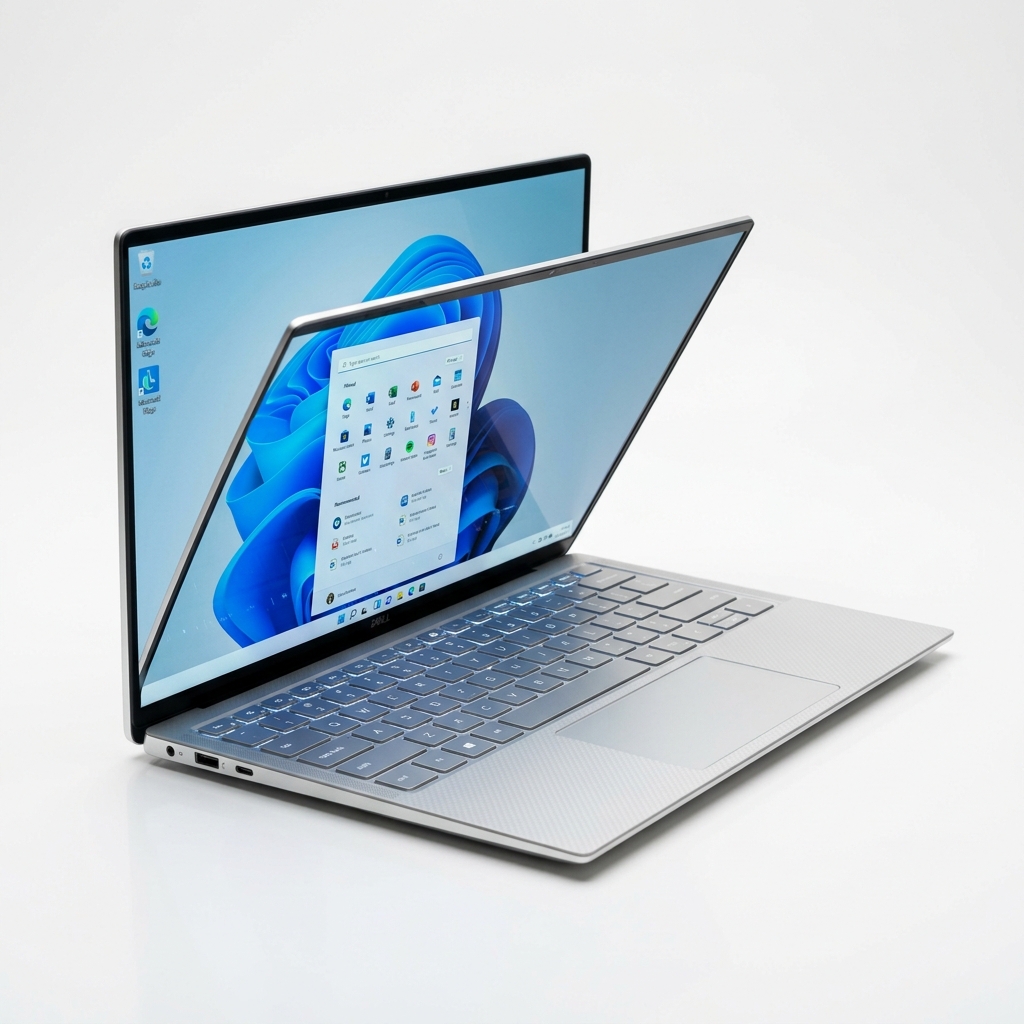
Dell XPS 13
Tom's Guide's Windows value pick
Synthesized Consensus Verdict
Under $700 for a premium thin-and-light with over 14 hours of battery. Tom's Guide frames it as the Windows answer for students who prioritise design and endurance over raw power - which describes most undergraduate coursework accurately.
- Under $700
- Over 14 hours of battery in Tom's Guide's assessment
- Premium thin chassis at a mid-range price
- Windows, so no compatibility questions
- Explicitly a trade of power for design and battery
- Fewer ports than the XPS 14
Key Hardware Specs
The Dell XPS 13 offers all-day battery life at over 14 hours and is priced at under $700.
Crucial Buying Factors Before Purchasing
Check your department's software before anything else
This is the only decision that can actually go wrong. Engineering, architecture and some sciences require Windows-only software - SolidWorks, certain ANSYS and Autodesk tools. If that is your course, a MacBook is the wrong purchase regardless of how good it is. Our separate guide to the best laptops for engineering students covers the CAD-capable machines.
The budget pick: Lenovo IdeaPad Slim 3x at $499
Tom's Guide highlights the IdeaPad Slim 3x at $499 with 16GB of RAM, a 15.3-inch 1920 x 1200 touch display and around 16 hours of battery. That is more endurance than the $1,099 MacBook Air manages on a web-browsing test, for less than half the money. It is not in our ranked list above only because we do not have a photograph of that specific model and will not illustrate it with a picture of a different Lenovo.
Buy storage, not processor
Four years of coursework, photos and project files fills a 256GB drive quickly, and on most thin laptops - including every one on this page - storage cannot be upgraded later. The M5 Air's move to 512GB base is the most useful change Apple made this year.
Battery numbers are only comparable within one outlet
RTINGS measured over 13 hours of light web browsing on the MacBook Air M5. CNN Underscored measured 16 hours 38 minutes on the same machine playing 4K video. Neither is wrong; they are different tests. Only compare figures produced by the same outlet running the same script, which is why every number in this guide is labelled with its source.
Weight matters more than you expect
A laptop carried between buildings five days a week is a different purchase from one that lives on a desk. Anything under about 3 pounds disappears in a bag; anything over 4 becomes a daily decision about whether to bring it.
Frequently Asked Questions
What is the best laptop for college students in 2026?
For most students, the MacBook Air 13 with the M5 chip at $1,099. It now ships with 512GB of storage as standard, lasts over 13 hours of web browsing in RTINGS testing, and has no fan to disturb a quiet library. The exception is any course requiring Windows-only software, where a Dell XPS is the better buy.
Which college laptop has the longest battery life?
The Dell XPS 14 (2026), by a clear margin. Tom's Guide measured 20 hours 41 minutes on its web-browsing test at 150 nits with the Intel Panther Lake and 1200p LED configuration. That is roughly seven hours more than the MacBook Air M5 manages on RTINGS' web test.
Is a $500 laptop good enough for college?
For writing, research, browsing and video calls, yes. Tom's Guide's budget pick, the Lenovo IdeaPad Slim 3x at $499, includes 16GB of RAM, a 15.3-inch 1920 x 1200 touch display and about 16 hours of battery. It will struggle with video editing, CAD and heavy data work.
How much storage does a student laptop need?
512GB is the sensible floor for a four-year purchase. None of the laptops in this guide allow storage upgrades after purchase, so whatever you buy is what you live with. This is the main reason the M5 MacBook Air is a better value than its predecessor: same $1,099, double the storage.
MacBook or Windows laptop for college?
Check your course requirements first - that answers it for engineering, architecture and parts of the sciences, where Windows-only software is mandatory. If your course has no such requirement, the MacBook Air M5 is the stronger all-round machine; if it does, the Dell XPS 14 or XPS 13 covers the same ground on Windows.
Do I need 16GB of RAM?
Yes, and you already get it. All three ranked picks here include 16GB, as does the $499 IdeaPad. With soldered memory on thin laptops, 8GB is a four-year liability rather than a saving.