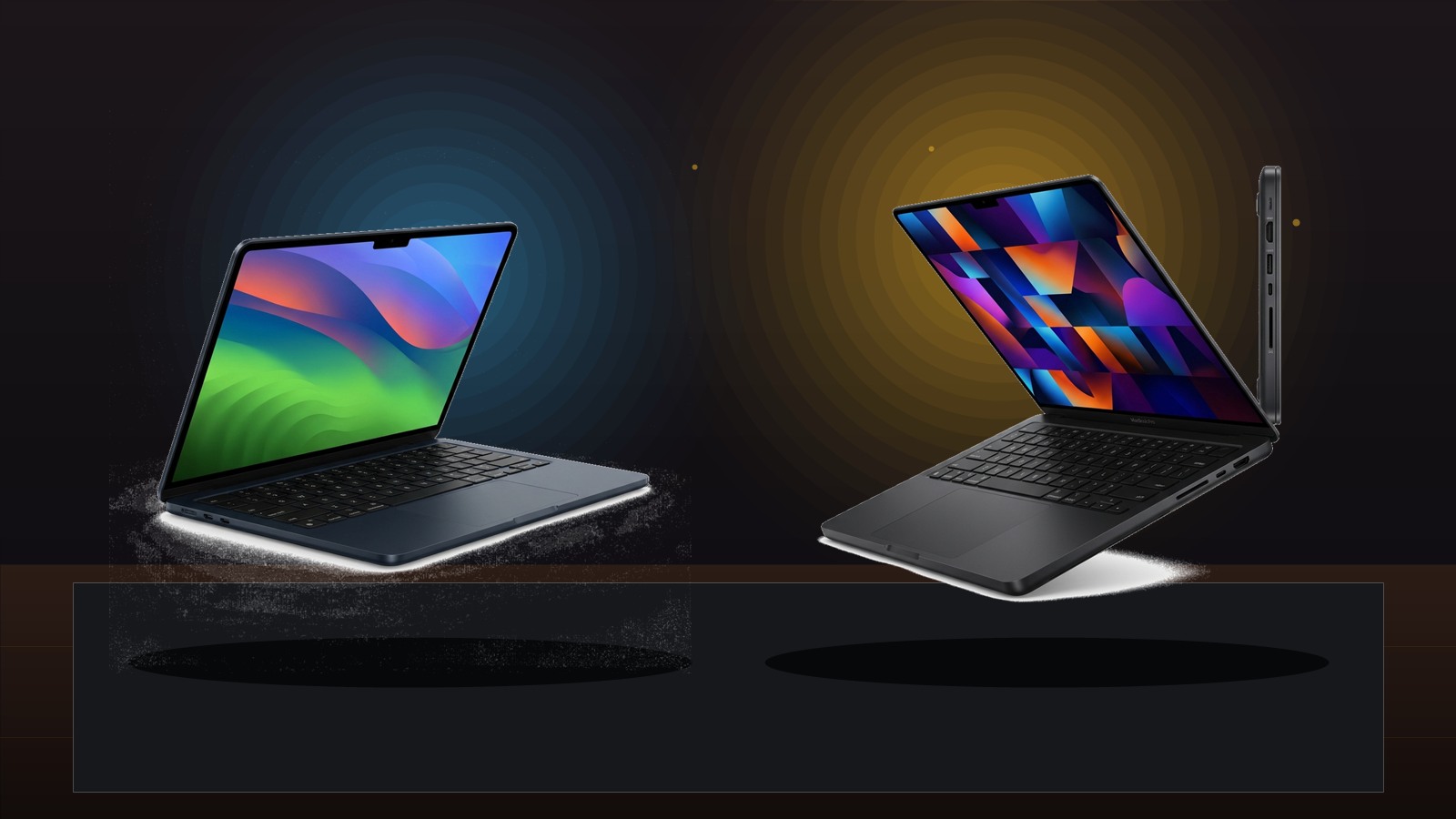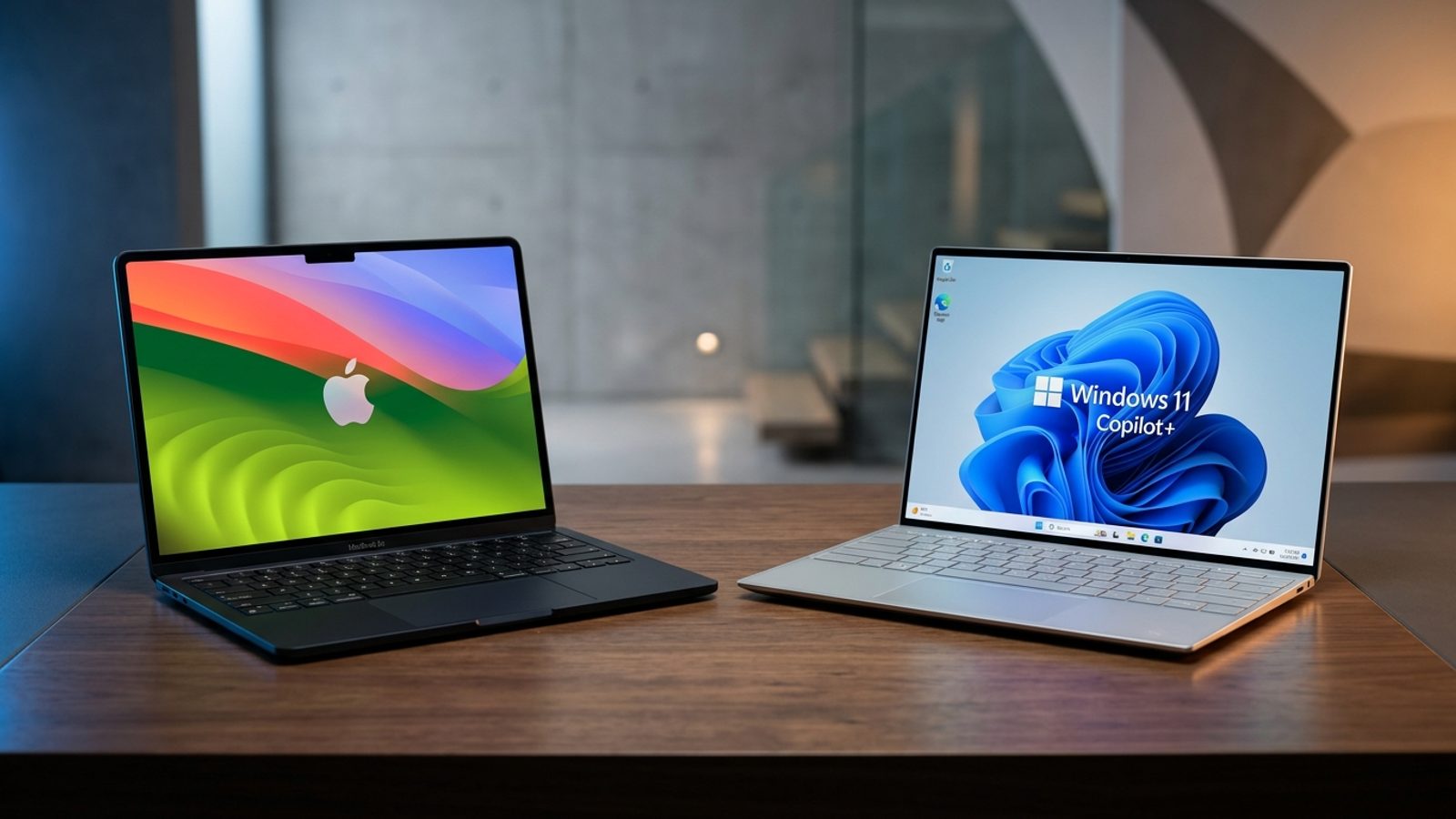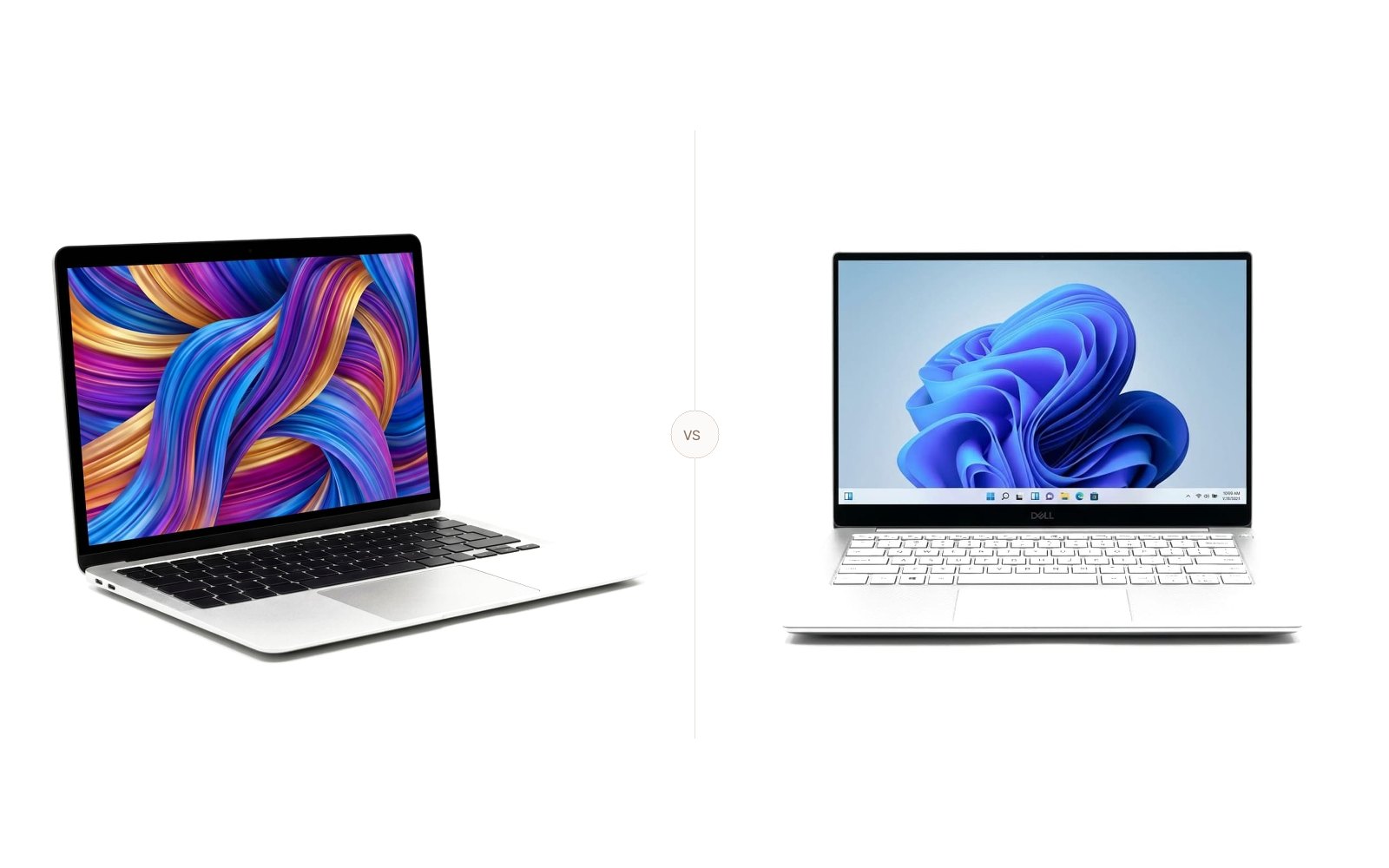
Asus Zenbook S 14 vs. MacBook Air M3: Which to Buy?
Zenbook S 14 vs MacBook Air M3: We compare Lunar Lake and Apple Silicon on battery, 120Hz OLED vs Retina, and speed using Tom's Guide and Notebookcheck tests.
The Quick Verdict
Choosing between the Asus Zenbook S 14 (UX5406) and the Apple MacBook Air 13 (M3) comes down to your personal priorities:
Windows professionals who want a rich 120Hz 3K OLED touchscreen, 32GB RAM out of the box, legacy USB-A/HDMI ports, and lightweight Ceraluminum styling
Students and mobile creators who demand all-day battery life, silent fanless operation, brighter SDR display optics, and macOS software stability
Head-to-Head Spec Matrix & Lab Scores
Specifications and published measurements, credited below
| Hardware Feature | 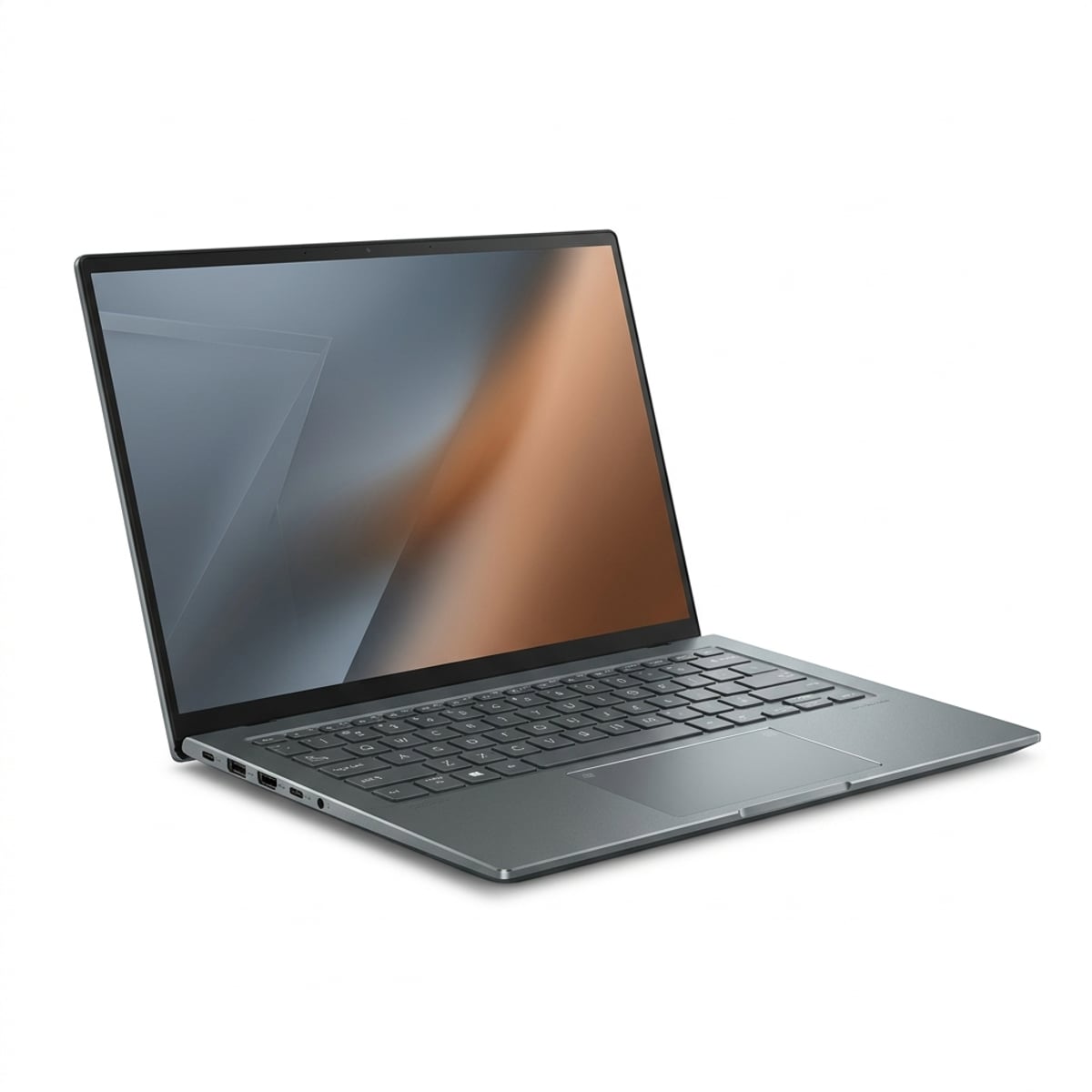 Asus Zenbook S 14 (UX5406)$1,399.99 - $1,599.99 (Core Ultra 7 258V / 32GB RAM / 1TB SSD) | 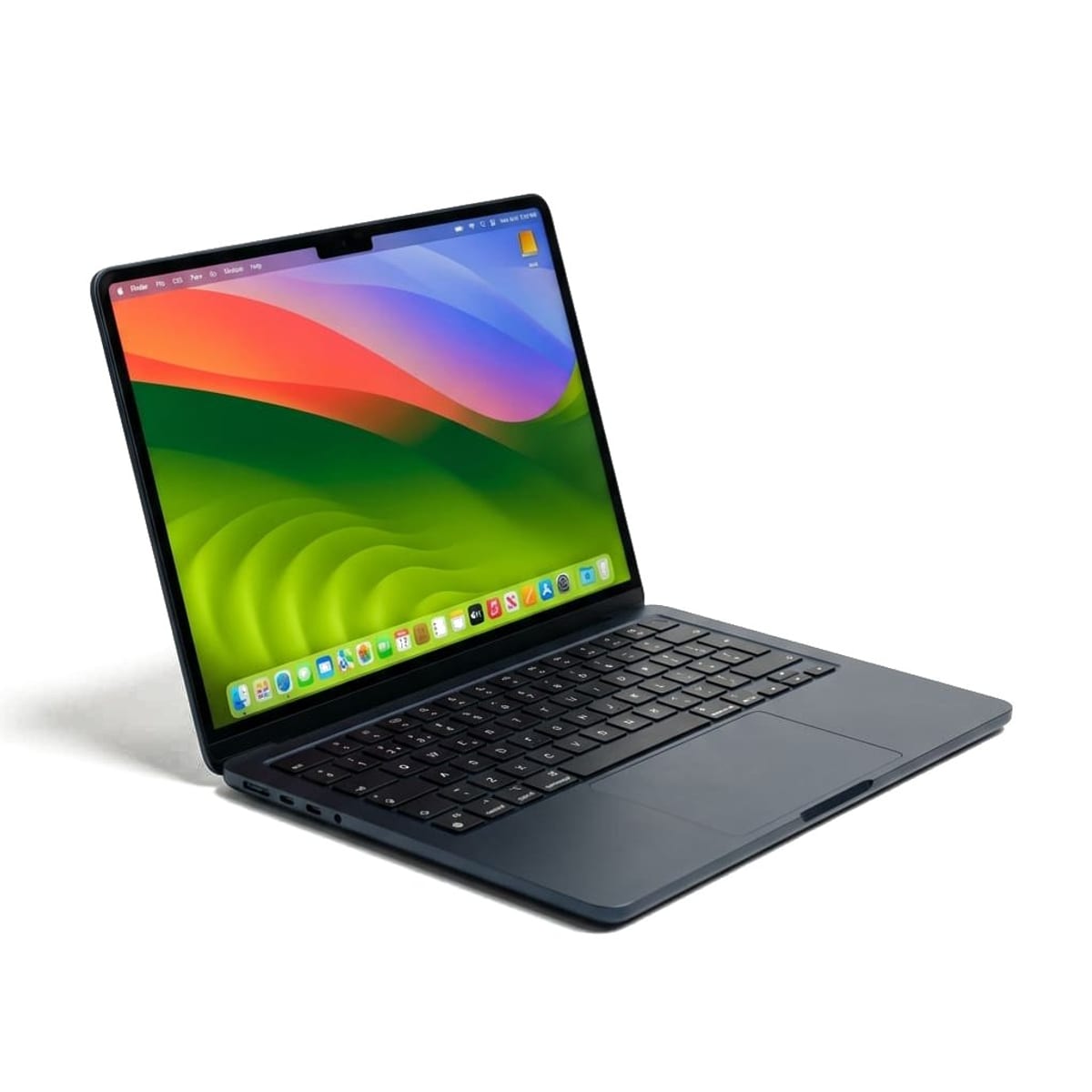 Apple MacBook Air 13 (M3)$1,099.00 MSRP ($899 - $999 street price for 8GB; $1,499 for 16GB/512GB) |
|---|---|---|
Price & Base Memory | ||
| Base hardware configuration | $1,399.99 (Core Ultra 7 258V, 32GB RAM, 1TB SSD) | $1,099.00 ($899 street, 8-core M3, 8GB RAM, 256GB SSD) |
Display & Touch | ||
| Panel technology & resolution | 14.0" 3K Lumina OLED (2880x1800), 120Hz, 16:10, Touch | 13.6" Liquid Retina IPS (2560x1664), 60Hz, 16:10, Non-touch |
| Measured SDR brightness | 342 nits (Tom's Guide) / 380 nits (Notebookcheck) | 476 nits (Tom's Guide) / 525 nits (Notebookcheck) |
Performance | ||
| Geekbench 6.3 (Single-Core) | 2,751 (Notebookcheck / Tom's Guide) | 3,093 (Tom's Guide) |
| Geekbench 6.3 (Multi-Core) | 11,157 (Tom's Guide) | 12,025 (Tom's Guide) |
Battery Life | ||
| 150-nit web surfing test (Tom's Guide) | 13 hours 08 minutes (13:08) | 15 hours 13 minutes (15:13) |
| WiFi v1.3 test (Notebookcheck) | 14 hours 28 minutes (14:28) | 15 hours 45 minutes (15:45) |
Connectivity & Ports | ||
| I/O port selection | 2x TB4, 1x USB-A 3.2 Gen 2, 1x HDMI 2.1 TMDS, 3.5mm | 2x Thunderbolt / USB 4, MagSafe 3, 3.5mm |
Dimensions & Thermals | ||
| Weight, thickness & acoustics | 2.65 lbs (1.20 kg), 0.43"-0.51", Dual fan active cooling | 2.70 lbs (1.24 kg), 0.44" uniform, Fanless passive (0 dB) |
Quick Verdict
The Apple MacBook Air 13 (M3) ($1,099.00 MSRP, often $899 to $999 on sale) remains our top pick for general mobile users. It ran for 15 hours and 13 minutes in Tom's Guide's battery test, operates in completely silent fanless harmony, and delivers a brighter 476-nit SDR screen for outdoor use.
The Asus Zenbook S 14 (UX5406) ($1,399.99 at Best Buy) is the best Windows ultrabook Intel has fielded in years. Powered by the Lunar Lake Core Ultra 7 258V chip, it lasted 13 hours and 8 minutes in Tom's Guide's testing, features a breathtaking 120Hz 3K OLED touchscreen, and gives you 32GB of RAM and a 1TB SSD for less than the price of a 16GB MacBook Air.
For broader Windows recommendations, read our curated best Windows laptops guide, or explore our guide to the best laptops for engineering students.
1. Price and Configuration Value
Comparing retail prices between Windows machines and MacBooks requires looking past the base model numbers.
Apple sells the base 13-inch MacBook Air M3 starting at $1,099.00 on the Apple Store (with street prices at Amazon and Best Buy frequently dropping to $899.00 to $999.00). However, that base configuration includes just 8GB of unified memory and 256GB of storage. Upgrading to 16GB of RAM and a 512GB SSD pushes Apple's price to $1,499.00.
Asus structures the Zenbook S 14 differently. For an MSRP of $1,399.99 to $1,499.99 at Best Buy and Asus, you receive the Intel Core Ultra 7 258V processor, 32GB of LPDDR5X-8533 memory mounted directly onto the Lunar Lake CPU package, and a fast 1TB PCIe 4.0 SSD. In pure hardware allocation per dollar, Asus is significantly more generous.
2. Display Quality and Brightness
The screen comparison highlights two distinct display philosophies: high-refresh OLED contrast versus high-efficiency IPS brightness.
| Display Specification | Asus Zenbook S 14 (UX5406) | Apple MacBook Air 13 (M3) | Testing Lab / Source |
|---|---|---|---|
| Panel Technology | 14.0" 3K Lumina OLED (16:10) | 13.6" Liquid Retina IPS (16:10) | Manufacturer spec sheets |
| Native Resolution | 2880 x 1800 pixels (243 ppi) | 2560 x 1664 pixels (224 ppi) | Asus / Apple specs |
| Refresh Rate | 120Hz dynamic (0.2ms response) | 60Hz fixed | Manufacturer spec sheets |
| Touchscreen Support | Yes (10-point multi-touch + stylus) | No (keyboard and trackpad only) | Manufacturer spec sheets |
| Average SDR Brightness | 342 nits | 476 nits | Tom's Guide Display Benchmarks |
| Max Measured SDR Brightness | 380 nits | 525 nits | Notebookcheck Display Testing |
| Color Gamut Coverage | 99.9% Display P3 / 100% DCI-P3 | 77.8% DCI-P3 / 109.8% sRGB | Notebookcheck / RTINGS |
In visual vibrancy, the Asus Zenbook S 14 takes the crown. Its 14-inch OLED panel produces absolute black levels with infinite contrast, making dark video scenes and IDE themes look strikingly punchy. The 120Hz refresh rate makes window dragging, PDF scrolling, and cursor tracking dramatically smoother than Apple's 60Hz panel.
However, the MacBook Air M3 fights back where it matters most for mobile workers: brightness in bright ambient environments. In Tom's Guide's lab evaluation, the MacBook Air reached an average SDR brightness of 476 nits (peaking at 525 nits in Notebookcheck's test), while the Zenbook S 14 averaged 342 nits. If you frequently work outside on a cafe patio or next to sunny office windows, the MacBook Air is considerably easier to read.
3. Battery Life: The Lunar Lake Breakthrough
Historically, Windows ultrabooks struggled to last past 9 or 10 hours in battery rundown tests, forcing buyers who needed all-day endurance to choose Apple Silicon. Intel's "Lunar Lake" architecture changes that equation by eliminating off-die memory latency and aggressively reducing idle power draw.
| Battery Test Suite | Asus Zenbook S 14 (UX5406) | Apple MacBook Air 13 (M3) | Measurement Authority |
|---|---|---|---|
| Battery Pack Capacity | 72 Watt-hours | 52.6 Watt-hours | Manufacturer spec sheets |
| Tom's Guide Web Test (150 nits) | 13 hours 08 minutes | 15 hours 13 minutes | Tom's Guide Zenbook Review |
| Notebookcheck WiFi v1.3 Test | 14 hours 28 minutes | 15 hours 45 minutes | Notebookcheck Zenbook Review |
| Included Power Adapter | 65W USB-C GaN brick | 30W or 35W Dual USB-C brick | Manufacturer spec sheets |
In Tom's Guide's standardized battery rundown, which surfs through web pages over Wi-Fi at 150 nits of screen brightness, the Asus Zenbook S 14 survived for 13 hours and 8 minutes. In Notebookcheck's WiFi v1.3 test, it lasted 14 hours and 28 minutes.
While the MacBook Air M3 still leads by approximately 1.5 to 2 hours (posting 15:13h at Tom's Guide and 15:45h at Notebookcheck), the Zenbook S 14 is the first thin-and-light x86 laptop that can comfortably last through an entire 8-hour workday and commute without needing a charger. Note that Asus accomplishes this with a substantially larger 72 Wh battery, whereas Apple achieves its runtime on a compact 52.6 Wh cell, reflecting the continued efficiency of Apple Silicon.
4. Compute Performance and Acoustic Noise
Performance across synthetic and everyday workloads reveals how both chip architectures handle compute stress.
| Benchmark & Acoustic Metric | Asus Zenbook S 14 (Core Ultra 7 258V) | Apple MacBook Air 13 (Apple M3) | Source |
|---|---|---|---|
| Geekbench 6.3 (Single-Core) | 2,751 | 3,093 | Tom's Guide / Notebookcheck |
| Geekbench 6.3 (Multi-Core) | 11,157 | 12,025 | Tom's Guide / Notebookcheck |
| NPU AI Performance | 47 TOPS (Intel NPU 4) | ~18 TOPS (Apple 16-core Neural Engine) | Manufacturer spec sheets |
| Cooling System | Dual ultra-slim fans + vapor chamber | 100% Fanless passive heatsink | Manufacturer spec sheets |
| Acoustic Noise (Under Heavy Load) | ~34 to 38 dB(A) | 0.0 dB(A) (Completely Silent) | Notebookcheck lab acoustic tests |
In Geekbench 6.3, the Apple M3 processor maintains a clean sweep:
- Single-Core: Apple scored 3,093 compared to Intel's 2,751 (a 12.4% advantage for Apple).
- Multi-Core: Apple scored 12,025 versus Intel's 11,157 (a 7.8% advantage for Apple).
What makes the MacBook Air's victory impressive is its thermal solution. The MacBook Air M3 has no cooling fans. It generates 0 decibels of sound during any task, whether you are rendering 4K video or exporting audio. The Zenbook S 14 employs two fans that spin up under load to expel heat, producing an audible whir in quiet library environments.
5. Ports, Chassis, and Build Materials
Port selection and physical construction represent major day-to-day differentiators.
- Asus Zenbook S 14: Asus constructed the chassis from Ceraluminum, an aluminum-ceramic composite material formed through high-voltage plasma electrolytic oxidation. Weighing just 2.65 lbs (1.20 kg) and measuring 0.43 to 0.51 inches (11.0 to 12.9 mm), it feels like stone ceramic to the touch and resists fingerprint smudges. For connectivity, Asus includes:
- 2x Thunderbolt 4 ports (USB-C)
- 1x USB 3.2 Gen 2 Type-A port
- 1x HDMI 2.1 TMDS port
- 1x 3.5mm combo audio jack
- Apple MacBook Air 13: Built from CNC-machined recycled anodized aluminum. Measuring a uniform 0.44 inches (11.3 mm) and weighing 2.70 lbs (1.24 kg), it feels exceptionally rigid and durable. However, its port selection remains strictly minimal:
- 2x Thunderbolt / USB 4 ports (both on the left side)
- 1x MagSafe 3 dedicated charging port
- 1x 3.5mm headphone jack with high-impedance support
If you frequently plug in flash drives, presentation projectors, or wireless mouse dongles, the Zenbook S 14 lets you leave USB dongles and multi-port hubs at home.
Which Should You Buy?
For creators needing active cooling and mini-LED HDR rather than fanless portability, see our MacBook Air M3 vs. MacBook Pro 14 M4 comparison.
Buy the Apple MacBook Air 13 (M3) if:
- You want maximum battery life: It consistently delivers 15+ hours of web browsing in standardized laboratory tests.
- You demand 100% acoustic silence: The fanless architecture means no buzzing fans, no dust buildup, and zero noise.
- You work in bright outdoor spaces: Apple's Liquid Retina screen averages 476 nits of SDR brightness, making it much easier to read in sunny environments.
- You are happy with 8GB or 16GB of RAM: At $899 to $1,099 street prices, the base MacBook Air offers unbeatable build quality.
Buy the Asus Zenbook S 14 if:
- You want Windows 11 with 120Hz OLED visuals: The 3K Lumina OLED screen offers vibrant contrast and fluid 120Hz scrolling that the Mac cannot match.
- You want 32GB RAM and 1TB SSD for under $1,400: Asus eliminates memory and storage price gouging.
- You hate carrying USB-C dongles: Dedicated USB-A and HDMI 2.1 ports provide immediate peripheral convenience.
- You want a touchscreen: The Zenbook supports 10-point multi-touch and active stylus input for signing and sketching.
If you are evaluating Qualcomm's Copilot+ ARM silicon against Apple Silicon instead of x86 Intel, see our head-to-head MacBook Air M3 vs Dell XPS 13 Snapdragon comparison.
Sources
- Tom's Guide: Asus Zenbook S 14 (2024) Review: Battery runtime of 13 hours 8 minutes at 150 nits; 342 nits SDR display brightness; Geekbench 6.3 single-core 2,751 / multi-core 11,157.
- Tom's Guide: Apple MacBook Air 13-inch M3 Review: Battery runtime of 15 hours 13 minutes at 150 nits; 476 nits SDR display brightness; Geekbench 6.3 single-core 3,093 / multi-core 12,025.
- Notebookcheck: Asus Zenbook S 14 UX5406 Laptop Review: Standardized WiFi v1.3 battery runtime of 14 hours 28 minutes; 380 nits max SDR brightness; 2.65 lbs weight measurement.
- Notebookcheck: Apple MacBook Air 13 M3 Review: Standardized WiFi v1.3 battery runtime of 15 hours 45 minutes; 525 nits peak brightness; 0 dB fanless thermal testing.
- RTINGS: Apple MacBook Air 13 (2024) In-Depth Lab Review: Color gamut testing (109.8% sRGB, 77.8% DCI-P3), chassis rigidity, and scissor keyboard measurements.
- Asus Official: Zenbook S 14 UX5406 Technical Specifications: Official hardware dimensions, Ceraluminum construction, 72 Wh battery, and I/O port details.
- Apple Official: MacBook Air 13-inch Technical Specifications: Official M3 chip architecture, 52.6 Wh battery, dual external monitor support details, and MagSafe 3 specs.
*Published: 27 September 2026 · Last updated: 27 September 2026*
*TechSilico does not test hardware. Every measurement above comes from the outlet or manufacturer linked next to it.*
Independent Testing Lab Benchmarks & Measurements
Benchmark measurements and evaluations cross-referenced from named independent testing laboratories:
The Zenbook S 14 lasted an impressive 13 hours and 8 minutes in our battery test. That is a phenomenal result for an Intel-powered machine with an OLED screen.
The 13-inch MacBook Air M3 delivered an astonishing 15 hours and 13 minutes of battery life in our web surfing test over Wi-Fi.
In our standardized WiFi v1.3 test at 150 nits, the Asus Zenbook S 14 survived for 14 hours and 28 minutes, proving Lunar Lake's immense energy efficiency gains.
Our WiFi battery test resulted in 15 hours and 45 minutes of continuous web browsing on the MacBook Air 13 M3, solidifying Apple's battery dominance.
The MacBook Air 13 M3 has superb build quality, an excellent scissor-switch keyboard, and one of the best glass trackpads on any portable laptop.
Crafted from Ceraluminum, weighing 1.2 kg and measuring 1.1 cm thin, featuring 3K 120Hz ASUS Lumina OLED and Intel Core Ultra (Series 2).
MacBook Air 13-inch with M3: up to 18 hours Apple TV app movie playback, up to 15 hours wireless web, 52.6-watt-hour battery, MagSafe 3.
Pros & Cons Consensus
Asus Zenbook S 14 (UX5406)
- Vibrant 14.0" 2880x1800 120Hz Lumina OLED with 0.2ms response and 99.9% Display P3 coverage
- Remarkable 13:08h battery life in Tom's Guide's 150-nit test (14:28h in Notebookcheck's WiFi test)
- Premium Ceraluminum chassis weighs just 2.65 lbs (1.20 kg) with ceramic scratch resistance
- Generous port selection: 2x Thunderbolt 4, 1x USB 3.2 Gen 2 Type-A, 1x HDMI 2.1 TMDS, 3.5mm jack
- Ships with 32GB LPDDR5X-8533 memory on-package and a 1TB PCIe 4.0 SSD for around $1,400
- SDR brightness averages 342 nits in Tom's Guide's testing, trailing the MacBook Air in bright rooms
- Integrated dual fans ramp up under heavy computational loads
- Multi-core CPU performance trails the MacBook Air M3 despite the higher wattage ceiling
Apple MacBook Air 13 (M3)
- Exceptional battery life: 15 hours 13 minutes in Tom's Guide's 150-nit web surfing test
- Liquid Retina IPS panel measured 476 nits average SDR brightness in Tom's Guide's lab
- Completely silent fanless thermal design with zero fan noise or dust accumulation
- Faster Geekbench 6.3 scores: 3,093 single-core and 12,025 multi-core
- Supports two external monitors simultaneously when the laptop lid is closed
- Screen refresh rate is capped at 60Hz and lacks touch or stylus support
- Strict port limitation: only 2x Thunderbolt/USB 4 ports and MagSafe (no USB-A or HDMI)
- Expensive storage and memory upgrades ($200 per 8GB RAM jump)
Apple MacBook Air 13 (M3)
The MacBook Air M3 remains the premier portable laptop for battery and silent speed, but the Zenbook S 14 is the best Windows ultrabook alternative.
For buyers prioritizing pure endurance, fanless silence, and bright outdoor displays, the MacBook Air 13 M3 wins this showdown. It posted 15 hours and 13 minutes in Tom's Guide's battery test and outscored Intel's chip in Geekbench 6. However, Intel's Lunar Lake architecture has closed the Windows efficiency gap. The Asus Zenbook S 14 logged an outstanding 13:08h of battery life, weighs less than the Mac at 2.65 lbs, has a 120Hz 3K OLED touchscreen, and provides 32GB RAM and 1TB SSD for $1,399.
Choose Asus Zenbook S 14 (UX5406) If:
- You prefer Windows 11 and want a high-refresh 120Hz OLED touchscreen
- You want 32GB RAM and a 1TB SSD without paying Apple's memory upgrade tax
- You need native USB-A and HDMI 2.1 ports for presentation and legacy peripherals
- You want the lightweight ceramic-aluminum feel of Asus Ceraluminum (2.65 lbs)
Choose Apple MacBook Air 13 (M3) If:
- You need maximum battery life (15+ hours verified in laboratory web tests)
- You demand 100% silent, fanless operation with zero dust intake
- You frequently work in brightly lit rooms where 476 nits of SDR brightness is essential
- You are already invested in the macOS and iOS continuity ecosystem
Frequently Asked Questions
Which laptop has longer battery life: Zenbook S 14 or MacBook Air M3?
The MacBook Air M3 holds the edge in verified lab tests. In Tom's Guide's standardized 150-nit web surfing battery test, the MacBook Air 13 lasted 15 hours and 13 minutes, beating the Zenbook S 14's 13 hours and 8 minutes by just over 2 hours. In Notebookcheck's WiFi v1.3 test, the MacBook Air scored 15:45h versus 14:28h on the Zenbook. While Apple remains in the lead, the Zenbook S 14's 13 to 14 hours of runtime makes it one of the longest-lasting Windows ultrabooks ever tested.
Is the Zenbook S 14's OLED screen better than the MacBook Air's Retina display?
In contrast, color saturation, and motion fluidity, yes. The Zenbook S 14 features a 120Hz 2880x1800 3K Lumina OLED panel with 0.2ms response times, 99.9% Display P3 color space coverage, and touchscreen functionality. The MacBook Air uses a 60Hz 2560x1664 IPS display with no touch or stylus support. However, for brightness in harsh lighting, Apple wins: Tom's Guide measured 476 nits of average SDR brightness on the MacBook Air compared to 342 nits on the Zenbook S 14.
Does the Asus Zenbook S 14 have a fan?
Yes. The Zenbook S 14 features dual ultra-thin cooling fans and a vapor chamber system. Under everyday web browsing and office productivity, the fans remain near silent. However, during prolonged multi-core compilation or 3D gaming, the fans produce an audible whir. The MacBook Air M3 is completely fanless and operates in 100% silence (0 dB) regardless of the workload.
How do the prices compare when configured with matching RAM and storage?
This is where Asus wins on value. The Zenbook S 14 retails for approximately $1,399.99 with 32GB of fast on-package LPDDR5X RAM and a 1TB PCIe 4.0 SSD. If you configure a MacBook Air 13 M3 to just 16GB of RAM and 512GB of SSD, Apple's retail price reaches $1,499. To get 24GB of RAM and 1TB on the Mac costs $1,899. If you need substantial memory for local virtualization or multi-tab multitasking, the Zenbook offers far more hardware for the dollar.
Can both laptops connect to two external monitors?
Yes. The Asus Zenbook S 14 natively supports multiple monitors through its dual Thunderbolt 4 ports and dedicated HDMI 2.1 port while keeping its laptop screen open. The MacBook Air M3 can drive up to two external displays simultaneously (one up to 6K at 60Hz and a second up to 5K at 60Hz), but only when the laptop lid is closed.