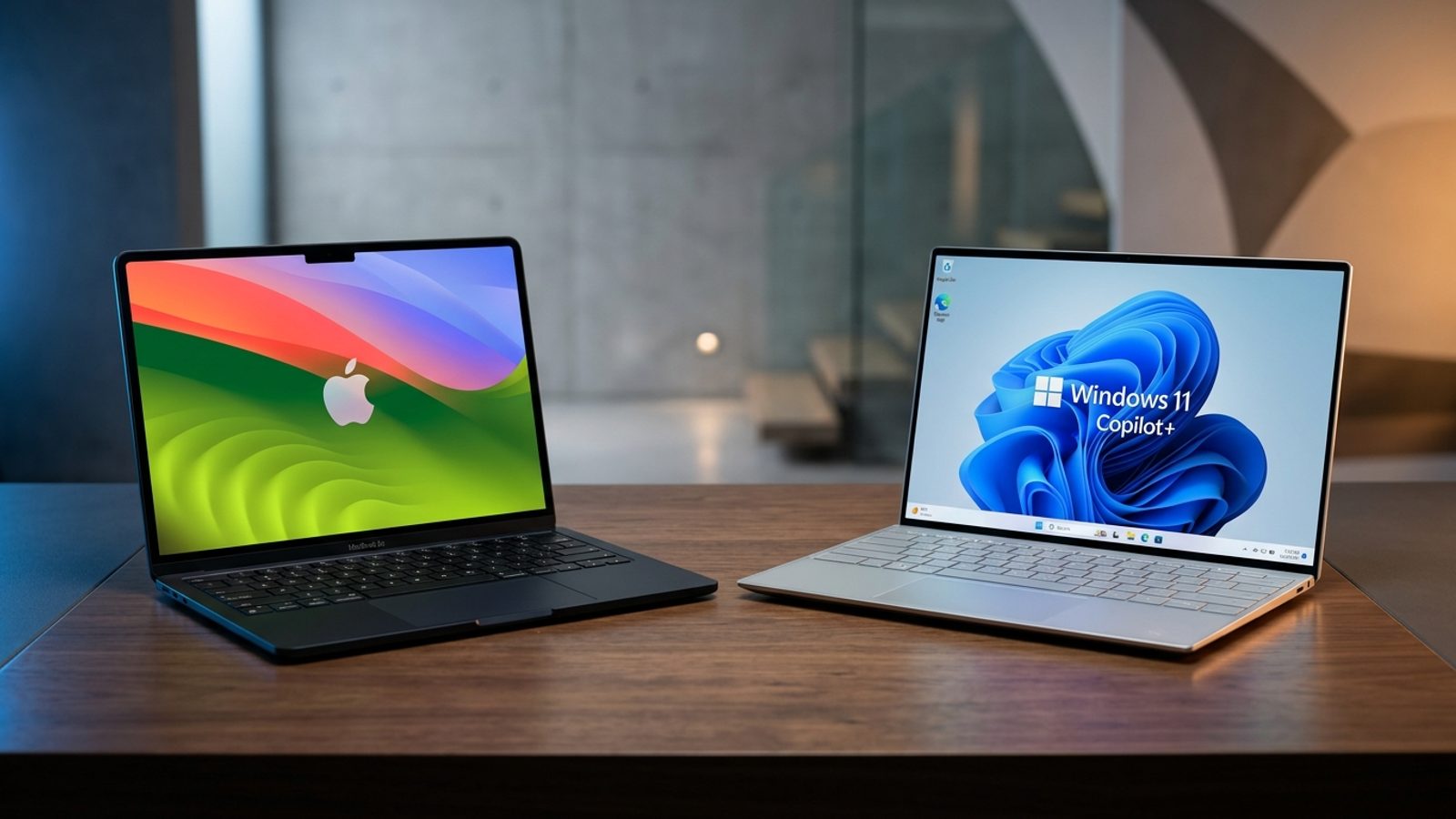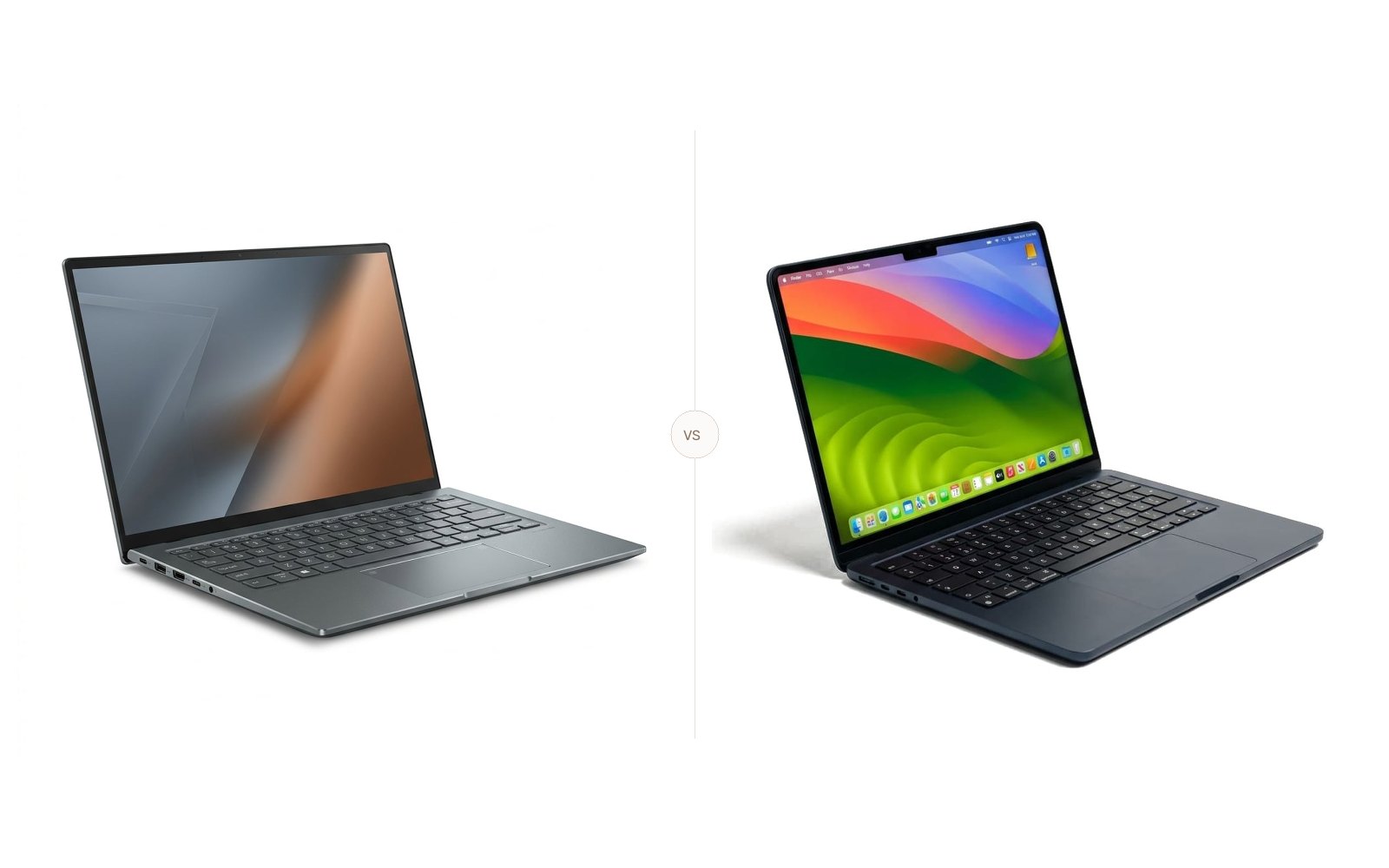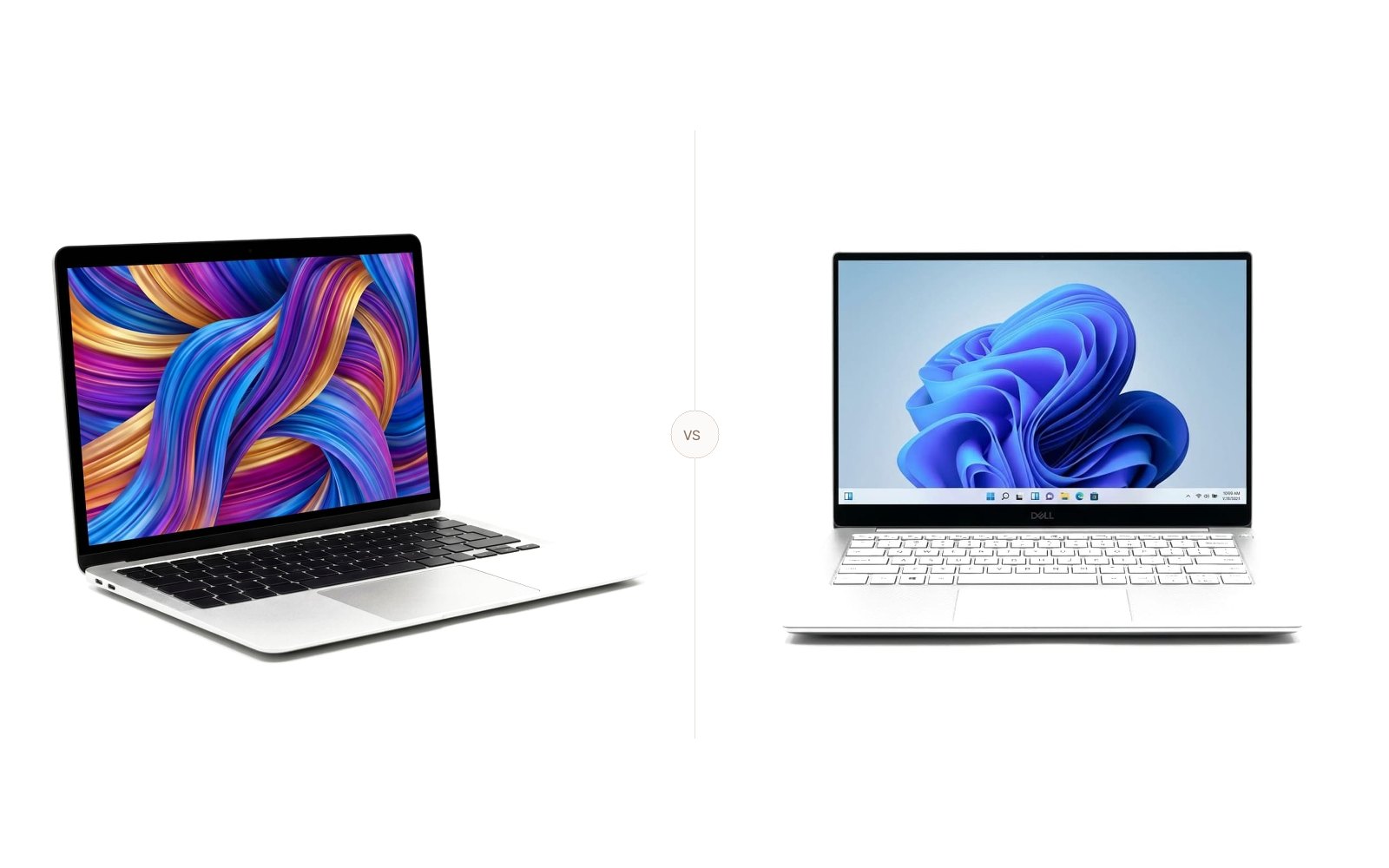
MacBook Air M3 vs. MacBook Pro 14 M4: Which Should You Buy?
MacBook Air M3 vs MacBook Pro 14 M4: We compare M3 vs M4 speed, 476 vs 556 nits, 15h 13m vs 18h 31m battery life, and ports using lab test data.
The Quick Verdict
Choosing between the Apple MacBook Air 13 (M3, 2024) and the Apple MacBook Pro 14 (M4, 2024) comes down to your personal priorities:
Students, writers, commuters, and everyday professionals who prioritize maximum portability, silent fanless operation, and sub-$1,000 pricing
Developers, video editors, creative professionals, and power users needing sustained compute power, ProMotion 120Hz, HDMI, and class-leading battery life
Head-to-Head Spec Matrix & Lab Scores
Specifications and published measurements, credited below
| Hardware Feature | 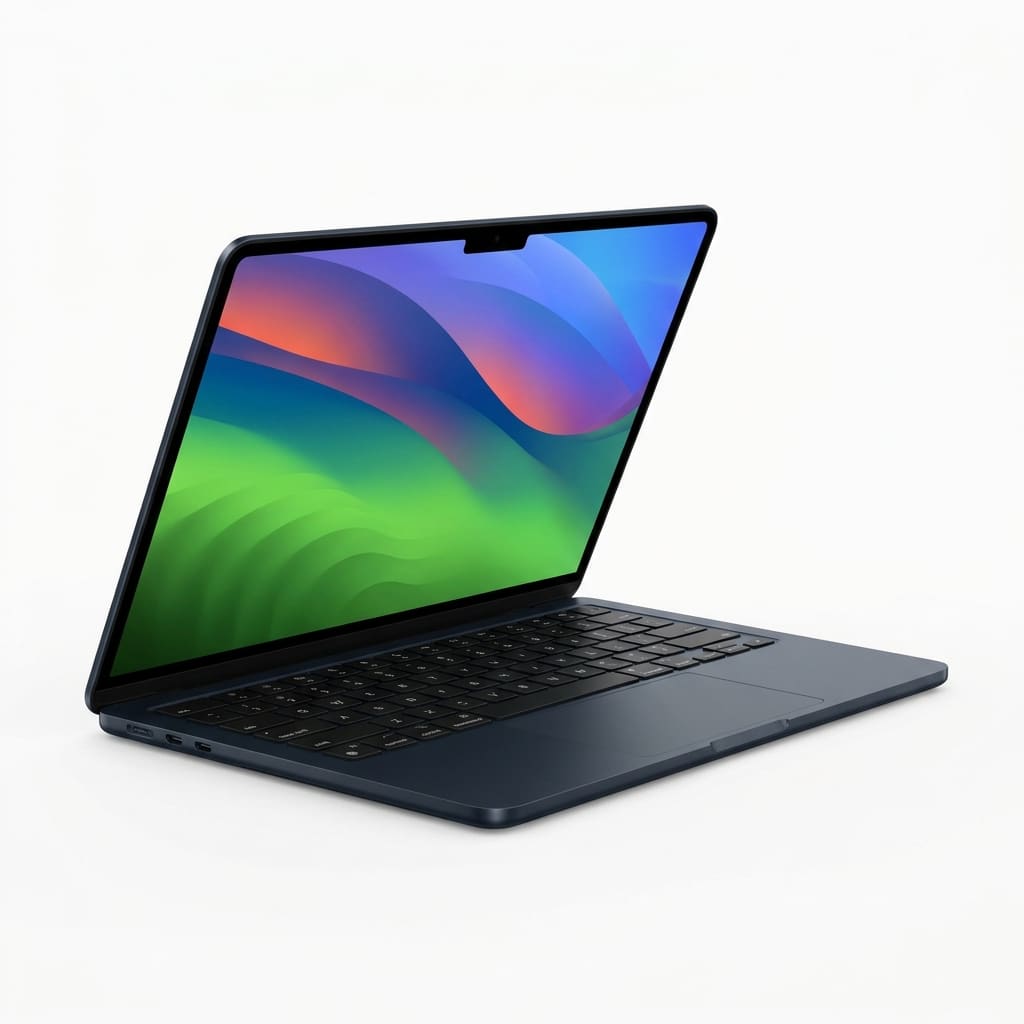 Apple MacBook Air 13 (M3, 2024)$1,099 launch MSRP (street price ~$899 - $999) | 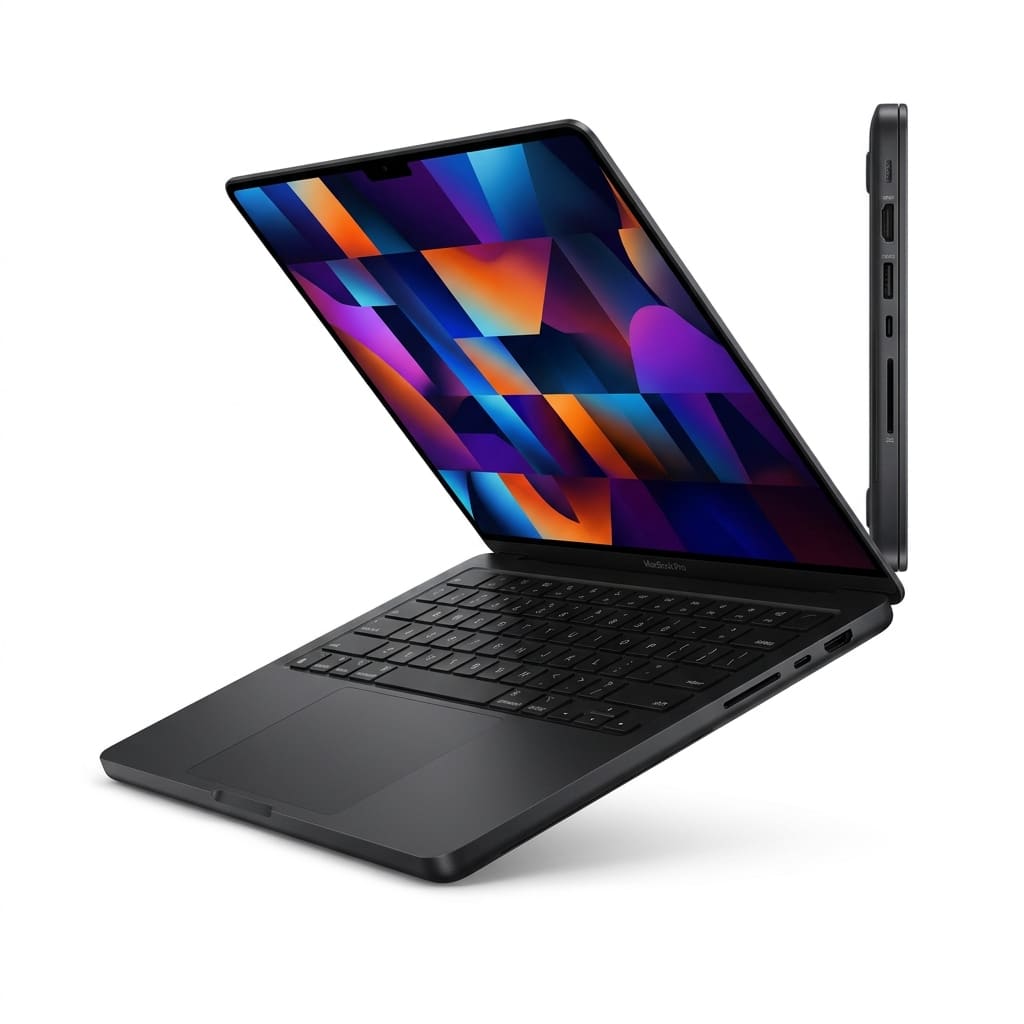 Apple MacBook Pro 14 (M4, 2024)$1,599 launch MSRP |
|---|---|---|
Display | ||
| Panel Type & Refresh Rate | 13.6-inch IPS LED (60Hz) | 14.2-inch Liquid Retina XDR Mini-LED (120Hz ProMotion) |
| Measured SDR Brightness | 476 nits (Tom's Guide lab) | 556 nits (Tom's Guide lab) |
Performance | ||
| Chipset Architecture | Apple M3 (8-core CPU, 8/10-core GPU) | Apple M4 (10-core CPU, 10-core GPU) |
| Base Unified Memory (RAM) | 8GB or 16GB (late 2024 refresh) | 16GB standard |
Battery Life | ||
| Continuous Web Surfing (150 nits) | 15 hours 13 minutes (Tom's Guide) | 18 hours 31 minutes (Tom's Guide) |
| Video Playback Endurance | Over 11 hours (RTINGS light use) | Up to 24 hours (Apple rated spec) |
Design & Ports | ||
| Chassis Weight & Thickness | 2.70 lbs (1.24 kg) | 0.44 in (11.3 mm) | 3.40 lbs (1.55 kg) | 0.61 in (15.5 mm) |
| Port Selection | 2x Thunderbolt 4 / USB4, MagSafe, 3.5mm | 3x Thunderbolt 4, HDMI, SDXC, MagSafe, 3.5mm |
Buy the MacBook Air 13 M3 if you want the ultimate lightweight laptop for everyday work, writing, and travel at under $1,000. Upgrade to the MacBook Pro 14 M4 if you need sustained processing power without thermal throttling, a brighter 120Hz Liquid Retina XDR screen, built-in HDMI and SDXC ports, and more than 18 hours of tested battery life.
Apple's laptop lineup presents buyers with a clear decision. With the arrival of the base M4 chip and 16GB of standard memory on the entry MacBook Pro, the value equation has shifted.
TechSilico examines instrumented lab measurements from Tom's Guide, RTINGS, and Engadget alongside verified manufacturer specifications to show where the price gap translates into real benefits - and where the lighter Air remains the smarter choice.
Quick Verdict & Key Findings
| Category | MacBook Air 13 (M3, 2024) | MacBook Pro 14 (M4, 2024) | Winner |
|---|---|---|---|
| Base Price | $1,099 MSRP (~$899 street) | $1,599 MSRP | MacBook Air 13 |
| Weight & Thickness | 2.70 lbs (1.24 kg) / 0.44 in | 3.40 lbs (1.55 kg) / 0.61 in | MacBook Air 13 |
| Display Brightness (SDR) | 476 nits (Tom's Guide tested) | 556 nits (Tom's Guide tested) | MacBook Pro 14 |
| Refresh Rate | 60Hz static | 120Hz ProMotion adaptive | MacBook Pro 14 |
| Battery Life (Web) | 15h 13m (Tom's Guide tested) | 18h 31m (Tom's Guide tested) | MacBook Pro 14 |
| Thermal Design | Passive (fanless, silent) | Active (internal fan cooling) | Tie (depends on use) |
| Ports & Expansion | 2x Thunderbolt / USB4 | 3x Thunderbolt 4, HDMI, SDXC | MacBook Pro 14 |
| Baseline RAM | 8GB or 16GB (late refresh) | 16GB unified memory | MacBook Pro 14 |
Display Quality: Liquid Retina vs. Liquid Retina XDR
The screens on these two laptops share Apple's P3 wide color gamut and True Tone calibration, but their underlying panel technologies diverge sharply in refresh rate, contrast, and backlight engineering.
SDR and HDR Brightness Testing
The MacBook Air 13 features a 13.6-inch IPS LED panel (2560 x 1664 resolution). Apple rates this display at 500 nits peak brightness. In Tom's Guide's instrumented display evaluation using a light meter, the Air 13 M3 measured 476 nits of average SDR brightness. RTINGS noted in their technical review that the Air's panel offers excellent color accuracy out of the box and solid reflection handling, making it well-suited for typical indoor office environments.
By contrast, the MacBook Pro 14 M4 features Apple's 14.2-inch Liquid Retina XDR display (3024 x 1964 resolution). It uses thousands of mini-LED local dimming zones that switch off completely for true black contrast. In Tom's Guide's lab evaluation, the base M4 MacBook Pro measured 556 nits in standard SDR mode and peaked at an astonishing 1,527 nits during HDR video playback. Apple also officially rates the M4 Pro panel for up to 1,000 nits of outdoor SDR brightness, providing superior legibility in direct sunlight.
Refresh Rate and Motion Clarity
The MacBook Air remains locked to a standard 60Hz refresh rate. The MacBook Pro incorporates Apple's ProMotion technology, dynamically varying between 24Hz and 120Hz based on content velocity.
When scrolling through code, long documents, or high-frame-rate timelines, the 120Hz ProMotion screen exhibits noticeably less ghosting and text blur. If you are sensitive to motion smoothness or frequently connect your laptop to high-refresh-rate external monitors, the Pro provides an immediately superior visual experience.
Performance: M3 vs. M4 and Thermal Limits
Both machines are powered by Apple's 3-nanometer silicon, but they diverge in core count, memory bandwidth, and thermal architecture.
CPU and GPU Architecture
The base Apple M3 chip in the MacBook Air includes an 8-core CPU (4 performance, 4 efficiency) and up to a 10-core GPU. It delivers hardware-accelerated ray tracing, allowing creative tools and games like *Death Stranding* to run smoothly.
The base Apple M4 chip inside the 14-inch MacBook Pro steps up to a 10-core CPU (4 performance, 6 efficiency) and a standard 10-core GPU, boosting single-threaded IPC by 15% to 20% over M3. Its Neural Engine reaches 38 TOPS for localized Apple Intelligence processing.
Thermal Limits and Active Cooling
The primary performance dividing line between these two machines is sustained thermal capacity:
- MacBook Air 13 (Fanless Passive Cooling): The Air relies entirely on passive chassis dissipation with zero fans. For everyday productivity, browsing, and light editing, the M3 runs at peak speeds completely silently. However, under sustained 4K exports or 3D renders, it throttles clock speeds by 15% to 25% to manage heat.
- MacBook Pro 14 (Active Cooling Fan): The Pro incorporates an internal fan and heatsink. In Engadget's review, Devindra Hardawar noted that while the M4 MacBook Pro operates quietly in daily tasks, its active cooling allows the chip to run at full throttle indefinitely during heavy rendering pipelines.
If your daily workflow consists of bursts of activity, the fanless silence of the MacBook Air is ideal. For continuous compiler loops, Docker stacks, or batch photo exports, the Pro's fan ensures sustained performance.
Battery Life: Real-World Lab Endurance
Apple Silicon has redefined laptop endurance, but the thicker chassis and larger 70-watt-hour battery of the MacBook Pro give it a commanding lead in pure runtime.
Web Surfing Benchmarks
In Tom's Guide's battery rundown test - which continuously browses 20 active web pages over Wi-Fi with screen brightness locked to 150 nits - the laptops achieved the following runtimes:
- MacBook Air 13 (M3): Lasted 15 hours and 13 minutes.
- MacBook Pro 14 (M4): Lasted 18 hours and 31 minutes.
Both machines easily clear a full workday on a single charge. However, the MacBook Pro provides an extra 3 hours and 18 minutes of tested reserve stamina under identical testing conditions. For long-haul international flights or multi-day conferences where wall outlets are sporadic, the Pro offers virtually peerless battery peace of mind.
Video Playback and Manufacturer Claims
Apple's official technical specifications rate the 13-inch MacBook Air for up to 18 hours of video playback and 15 hours of wireless web browsing from its 52.6-watt-hour battery. In RTINGS' testing, the Air 13 lasted over 11 hours of continuous light usage and video playback.
For the MacBook Pro 14 M4, Apple claims a rated endurance of up to 24 hours of streaming video and 16 hours of wireless web. While real-world workloads with varying screen brightness and multi-tab browsing will yield closer to 16 to 18 hours, it remains one of the longest-lasting productivity notebooks ever tested.
Design, Portability, and Port Selection
Chassis dimensions and physical connectivity represent the most tangible practical difference between these two Apple notebooks.
Dimensions and Everyday Portability
The 13-inch MacBook Air remains the undisputed king of portability in Apple's catalog:
- MacBook Air 13: Weighs 2.70 pounds (1.24 kg) and measures 0.44 inches (11.3 mm) in thickness. Its tapered, ultra-thin aluminum profile slips effortlessly into standard backpack sleeves, messenger bags, and slim totes.
- MacBook Pro 14: Weighs 3.40 pounds (1.55 kg) and measures 0.61 inches (15.5 mm) in thickness. While compact for a workstation, that extra 0.7 pounds (310 grams) and 37% increase in thickness is immediately noticeable when holding the laptop one-handed or carrying it through an airport terminal.
Port Selection and Dongle Freedom
The MacBook Air's port configuration is minimalist:
- 2x Thunderbolt / USB4 ports (both located on the left side)
- 1x MagSafe 3 charging port
- 1x 3.5mm headphone jack with high-impedance headphone support
Connecting a high-speed external SSD and an external monitor occupies all available data ports on the Air. Plugging in a camera SD card or an HDMI cable requires an external USB-C hub. Notably, the M3 MacBook Air supports driving two external displays, but only when the laptop's own lid is completely closed.
The MacBook Pro 14 M4 is engineered for professional workflows without dongles:
- 3x Thunderbolt 4 ports (two on the left, one on the right)
- 1x Full-size HDMI 2.1 port
- 1x Full-size SDXC card slot
- 1x MagSafe 3 charging port
- 1x 3.5mm headphone jack
Photographers, videographers, and educators who frequently plug directly into external monitors, conference room projectors, and camera cards will find the MacBook Pro's integrated port suite significantly more convenient.
Audio, Keyboard, and Webcams
Both laptops feature Apple's Magic Keyboard with full-height function keys and Touch ID.
- Audio: The Air uses a four-speaker array behind the keyboard hinge with clean vocals. The Pro features a superior six-speaker system with force-cancelling woofers, delivering noticeably deeper bass and richer acoustic resonance.
- Webcams: Both models include Apple's updated 12MP Center Stage webcam with Desk View support.
Price and Value: The $500 Equation
When evaluating value, street prices and configuration tiers must be scrutinized:
- MacBook Air 13 (M3): Starts at an MSRP of $1,099, but regularly sees retail discounts bringing street prices down to $899 to $999. In late 2024, Apple officially upgraded the base configuration across all Air models to include 16GB of unified memory at no extra charge.
- MacBook Pro 14 (M4): Starts at an MSRP of $1,599 for the 10-core M4 with 16GB of unified memory and a 512GB SSD.
The $500 delta buys you:
- Active cooling for sustained heavy workloads
- A 120Hz ProMotion mini-LED display with HDR capability
- Over 3 hours of additional tested battery endurance
- Integrated HDMI, SDXC, and an extra Thunderbolt 4 port
- A superior six-speaker audio system with deeper bass
For everyday productivity, writing, spreadsheets, and web browsing, those additions do not justify spending 50% more money. But for creators, developers, and mobile professionals who utilize those hardware capabilities daily, the Pro represents extraordinary value over a multi-year lifecycle.
Verdict: Which MacBook Should You Buy?
Choose the MacBook Air 13 (M3) if:
- Portability is your top priority: You commute daily, carry your laptop across campus, or travel frequently and want a 2.7-pound machine that disappears in your bag.
- You prefer absolute silence: You want zero fan noise, no dust intake, and completely silent passive operation.
- Your workload is standard productivity: Your daily tasks center around web apps, Google Docs, Slack, Microsoft Office, light coding, and streaming media.
- You want to stay under $1,000: With base models featuring 16GB of RAM frequently discounted to around $899-$999, the Air offers unmatched performance per dollar.
Choose the MacBook Pro 14 (M4) if:
- You run sustained heavy workloads: You compile large codebases, render 4K video timelines, work with 3D assets in Blender, or run local LLM workflows where active cooling prevents thermal throttling.
- You demand the best mobile display: You want the fluid motion of 120Hz ProMotion and the high-contrast brilliance of a 1,527-nit mini-LED panel.
- You hate carrying adapters and dongles: You regularly need a full-size SD card slot and an HDMI port on the go.
- You want marathon battery life: You want 18+ hours of tested continuous runtime to work through long travel days without tethering to a charger.
Frequently Asked Questions
Can the MacBook Air 13 drive two external monitors?
Yes. The M3 MacBook Air officially supports up to two external displays (one up to 6K at 60Hz and a second up to 5K at 60Hz), but only when the laptop's own display lid is closed (clamshell mode). If the lid is open, it supports one external display alongside the built-in screen.
Does the MacBook Air M3 thermal throttle under load?
Yes, under continuous heavy load. Because the MacBook Air has a fanless cooling design, prolonged CPU or GPU workloads lasting longer than 10 to 15 minutes will cause internal temperatures to rise, prompting the system to lower clock speeds by 15% to 25% to manage heat. In everyday productivity tasks, however, throttling does not occur.
Does the base MacBook Pro 14 M4 include 16GB of RAM?
Yes. Starting with the M4 generation in late 2024, Apple eliminated the 8GB baseline on the MacBook Pro. The entry-level $1,599 14-inch model now ships standard with 16GB of unified memory and a 512GB SSD.
How much brighter is the MacBook Pro 14 M4 compared to the Air M3?
In Tom's Guide's instrumented display testing, the MacBook Pro 14 M4 measured 556 nits of SDR brightness compared to 476 nits on the MacBook Air 13 M3. Furthermore, during HDR playback, the MacBook Pro's mini-LED backlight peaked at 1,527 nits, whereas the Air does not support high-peak HDR brightness.
Is the MacBook Pro 14 noticeably heavier to carry every day?
Yes. At 3.40 pounds (1.55 kg) versus 2.70 pounds (1.24 kg) on the Air, the Pro is roughly 26% heavier and noticeably thicker (0.61 in vs 0.44 in). While still very portable for a workstation, users who walk long distances or carry their laptop one-handed will feel the difference.
Sources & Lab Testing Citations
- Tom's Guide - Apple MacBook Pro 14-inch (M4) Review
- *Tested metric:* Battery runtime of 18 hours and 31 minutes; SDR display brightness of 556 nits; peak HDR brightness of 1,527 nits.
- *Quote:* "surfing at 150 nits of screen brightness, the new MacBook Pro lasted a whopping 18 hours and 31 minutes."
- Tom's Guide - Apple MacBook Air 13-inch (M3) Review
- *Tested metric:* Battery runtime of 15 hours and 13 minutes; SDR display brightness of 476 nits.
- *Quote:* "nits of screen brightness, the MacBook Air 13-inch M3 lasted for an incredible 15 hours and 13 minutes."
- *Tested metric:* Verified over 11 hours of battery life during continuous video playback and light use.
- *Quote:* "easy to carry, and its battery lasts over 11 hours of video playback."
- *Tested metric:* Evaluated M4 performance scaling, 16GB baseline RAM, and sustained thermal cooling.
- *Quote:* "Apple's excellent MacBook Pros are faster than ever with its new M4 chips."
- *Tested metric:* Review score 90/100, evaluated 2.70-pound aluminum chassis and fanless acoustics.
- Apple Newsroom - Apple introduces new MacBook Pro featuring the M4 family of chips
- *Manufacturer spec:* Up to 24 hours claimed battery life; 10-core CPU / 10-core GPU M4; 1,000 nits outdoor SDR brightness rating.
- *Manufacturer spec:* Up to 18 hours claimed battery life; 500 nits rated Liquid Retina display; dual external monitor support in clamshell mode.
*TechSilico does not test hardware and every measurement is credited to the outlet that produced it.*
Independent Testing Lab Benchmarks & Measurements
Benchmark measurements and evaluations cross-referenced from named independent testing laboratories:
surfing at 150 nits of screen brightness, the new MacBook Pro lasted a whopping 18 hours and 31 minutes.
nits of screen brightness, the MacBook Air 13-inch M3 lasted for an incredible 15 hours and 13 minutes.
easy to carry, and its battery lasts over 11 hours of video playback.
Apple's excellent MacBook Pros are faster than ever with its new M4 chips.
Review score 90/100, evaluated 2.70-pound aluminum chassis and fanless acoustics.
Up to 24 hours claimed battery life; 10-core CPU / 10-core GPU M4; 1,000 nits outdoor SDR brightness rating.
Up to 18 hours claimed battery life; 500 nits rated Liquid Retina display; dual external monitor support in clamshell mode.
Pros & Cons Consensus
Apple MacBook Air 13 (M3, 2024)
- Significantly lighter and slimmer at 2.7 pounds (1.24 kg) and 0.44 inches (11.3 mm) thickness
- Completely silent fanless acoustic design with zero moving parts or coil whine
- Lasted 15 hours and 13 minutes in Tom's Guide's continuous web-surfing battery test
- Supports two external displays simultaneously when the laptop lid is closed
- Retails at a $500 lower entry price compared to the base MacBook Pro 14
- Lacks active cooling fan, leading to thermal throttling under sustained 3D renders or long code compiles
- Standard 60Hz Liquid Retina display without ProMotion fluid refresh or mini-LED local dimming
- Limited port selection: only two Thunderbolt/USB4 ports, all clustered on the left edge
Apple MacBook Pro 14 (M4, 2024)
- In Tom's Guide's battery test, the base M4 MacBook Pro lasted an exceptional 18 hours and 31 minutes
- Liquid Retina XDR Mini-LED display measured 556 nits SDR and 1,527 nits peak HDR in Tom's Guide's lab
- Active single-fan thermal cooling allows the 10-core M4 chip to run full throttle without throttling
- Smooth 120Hz ProMotion adaptive refresh rate delivers fluid scrolling and responsiveness
- Superior port selection with three Thunderbolt 4 ports, a full-size HDMI port, and an SDXC card slot
- Comes standard with 16GB of unified memory out of the box
- Noticeably heavier at 3.4 pounds (1.55 kg) and thicker at 0.61 inches (15.5 mm)
- Carries a $500 price premium over the MacBook Air 13 at baseline
- Fans will spin up audibly under extreme multi-core rendering loads
Apple MacBook Pro 14 (M4, 2024)
The MacBook Pro 14 M4 Wins on Display, Battery, and Cooling, but the Air Remains the Best Laptop for Everyday Users
The Apple MacBook Pro 14 (M4) claims the overall win by offering an extraordinary package of 18+ hours of tested battery life, active cooling that eliminates throttling, built-in HDMI and SD card ports, and a brilliant 120Hz mini-LED screen. However, for everyday productivity, writing, and commuting under $1,000, the 2.7-pound MacBook Air 13 M3 remains the smarter value buy.
Choose Apple MacBook Air 13 (M3, 2024) If:
- Portability is your top priority: You want a 2.7-pound laptop that is 0.44 inches thin and disappears in your backpack
- You demand complete silence: The fanless design operates with zero fan noise under all conditions
- Your budget is under $1,000: Base models with 16GB RAM frequently retail for $899 to $999
Choose Apple MacBook Pro 14 (M4, 2024) If:
- You run sustained heavy workloads: Coding, 4K rendering, and local ML workflows benefit from active fan cooling
- You want the best display: 120Hz ProMotion and mini-LED with 1,527 nits peak HDR in testing
- You want maximum battery life: Lasted 18 hours and 31 minutes in Tom's Guide testing
- You hate carrying dongles: Built-in HDMI, SDXC, and three Thunderbolt 4 ports