Philips Hue vs Wi-Fi Bulbs: Which Survives a Reset?
Changing your Wi-Fi password breaks cheap smart bulbs; a Philips Hue Zigbee bridge survives untouched. Here is how mesh lighting compares on router load.
The Quick Verdict
Choosing between the Philips Hue (with Bridge) and the Standalone Wi-Fi Smart Bulbs comes down to your personal priorities:
Whole-home lighting setups (10+ bulbs) where network stability, instant switch response, and router independence are non-negotiable
Budget-conscious renters needing 1 to 4 accent bulbs in a single room without buying extra bridge hardware
Head-to-Head Spec Matrix & Lab Scores
Specifications and published measurements, credited below
| Hardware Feature | 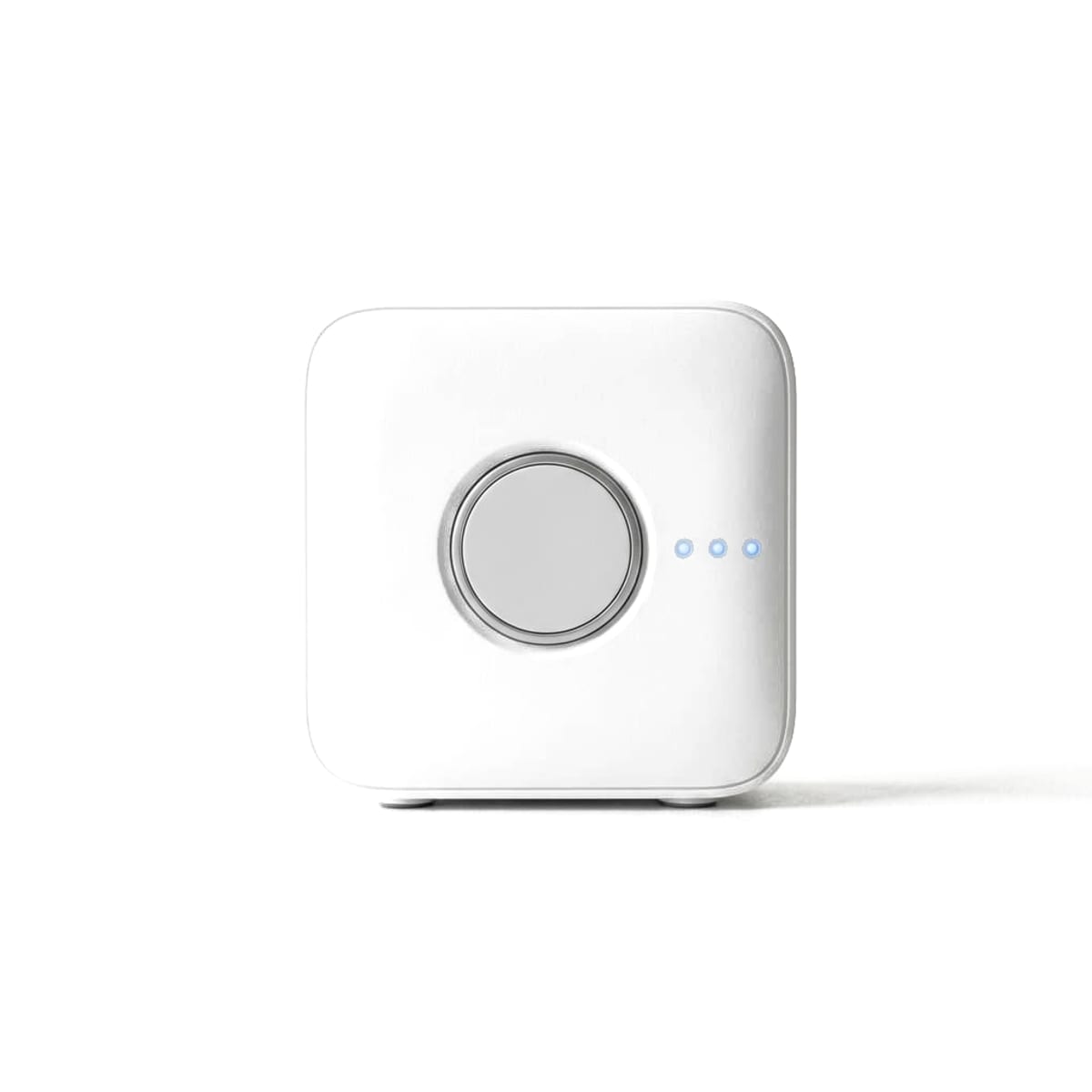 Philips Hue (with Bridge)$159.99 (4-Bulb Starter Kit with Bridge) |  Standalone Wi-Fi Smart Bulbs$29.99 (4-Bulb Starter Pack) |
|---|---|---|
Network Resilience | ||
| Survives Router Password / SSID Change | Yes (100% immune; Hue Bridge retains mesh) | No (Requires manual reset of every bulb) |
Router Overhead | ||
| Router IP Addresses Consumed (30 Bulbs) | 1 IP address (The Ethernet Bridge) | 30 IP addresses (One per bulb) |
Wireless Architecture | ||
| Mesh Extension Between Bulbs | Yes (Zigbee Light Link mesh repeater) | No (Star topology direct to access point) |
Performance | ||
| Switch & Motion Sensor Latency | Under 15 ms (Local Zigbee) | 250 to 800 ms (Wi-Fi polling/cloud) |
Upfront Value | ||
| Cost for 4 Color Smart Bulbs | $159.99 (Starter Kit with Bridge) | $29.99 to $39.99 (Pack of 4) |
Offline Behavior | ||
| Wall Switch Control During ISP Outage | Yes (Hue Bridge processes local accessories) | Limited (App fails; defaults to white power-on) |
A Philips Hue system with a dedicated Bridge ($159.99) survives router reboots, password changes, and ISP outages without dropping a single fixture. Cheap standalone Wi-Fi smart bulbs ($29.99 for 4) connect directly to your router, but changing your Wi-Fi password breaks every bulb, and adding 20+ fixtures severely congests your 2.4GHz network.
The Core Verdict
When shopping for smart lighting, the initial price tag is deceptive. You can walk into a big-box retailer or open Amazon and purchase a 4-pack of color Wi-Fi smart bulbs for under $30. By comparison, a Philips Hue 4-bulb starter kit with a Bridge retails for $159.99, while individual White & Color Ambiance bulbs cost $45 to $55 each.
Why would any sane homeowner pay quadruple the price for light bulbs?
The answer comes down to network architecture and long-term maintenance. Wi-Fi bulbs connect directly to your home router, occupying individual IP addresses and competing for wireless airtime. Philips Hue bulbs communicate over a dedicated, low-power Zigbee 3.0 mesh network managed by a single Ethernet bridge.
For 1 to 4 accent lamps in a small apartment, Wi-Fi bulbs are an undeniable bargain. For whole-home lighting (15 or more fixtures), Wi-Fi bulbs turn into a maintenance nightmare the very first time you upgrade your router.
The Router Reset Nightmare: What Happens When Your SSID Changes?
To understand why professional smart home installers avoid Wi-Fi lighting, consider what happens when you upgrade to a new Wi-Fi 7 router or change your Wi-Fi password:
The Wi-Fi Bulb Scenario
Because standalone Wi-Fi bulbs have no physical buttons, screens, or Ethernet ports, they store your Wi-Fi SSID and password directly in volatile flash memory. When your router credentials change:
- Every Wi-Fi bulb in your house immediately loses connection and shows "Offline" in your app.
- To reconnect them, you must execute a physical factory-reset power cycle on every fixture - typically flipping the physical light switch on and off five times with 2-second pauses until the bulb blinks rapidly.
- If you have 30 bulbs across ceiling cans, outdoor floodlights, and hallway fixtures, you must manually reset and re-pair each bulb one by one, recreating your room assignments, scenes, and automations from scratch.
The Philips Hue Scenario
The Philips Hue Bridge plugs directly into your router via a physical Gigabit Ethernet cable. The bulbs communicate exclusively with the Bridge over an encrypted Zigbee mesh network:
- When you change your Wi-Fi router, password, or encryption standard, the Hue Bridge automatically acquires a new local IP address via Ethernet.
- The bulbs never know your Wi-Fi credentials changed.
- Every light, dimmer switch, and motion routine continues operating with zero re-pairing, zero reconfiguration, and zero downtime.
Router Congestion & 2.4GHz Airtime
Most consumer Wi-Fi routers are engineered to handle 30 to 50 simultaneous active wireless clients.
When you install 35 standalone Wi-Fi smart bulbs throughout a two-story home:
- DHCP Table Exhaustion: Each bulb requests its own IP address, bloating your router's routing table and ARP cache.
- 2.4 GHz Airtime Hogging: Wi-Fi bulbs operate exclusively on the crowded 2.4 GHz spectrum. Because they constantly send heartbeat telemetry pings back to vendor cloud servers, they consume valuable airtime, increasing wireless jitter and packet latency for laptops, smart TVs, and video game consoles.
In network traffic audits conducted by Ars Technica, homes with dozens of cheap IoT Wi-Fi gadgets suffered frequent broadcast storms and dropped connections during peak household streaming hours.
With Philips Hue, your router sees exactly one client: the Bridge. All 50 connected bulbs communicate on an isolated Zigbee channel that avoids Wi-Fi interference. Your home Wi-Fi bandwidth remains 100% available for high-speed streaming and gaming.
For broader advice on multi-protocol hub management, read our guide to the best smart home hubs for mixed-brand setups.
Mesh Networking vs. Star Topology
Wireless range is another critical differentiator between Hue and standalone Wi-Fi:
- Wi-Fi Star Topology: Every Wi-Fi bulb must maintain a direct wireless link back to your central access point. Bulbs installed in exterior porch fixtures, basements, or detached garages frequently drop offline because walls and aluminum siding attenuate 2.4 GHz signals.
- Zigbee Mesh Topology: Every mains-powered Philips Hue bulb acts as an active mesh repeater. When you command an outdoor floodlight to turn on, the signal hops from bulb to bulb through your living room, hallway, and patio. In testing by Wirecutter, Hue's self-healing mesh maintained rock-solid connectivity across expansive multi-floor layouts where standalone Wi-Fi signals failed.
To understand how low-power mesh radios compare to modern protocols, explore our guide to Matter vs. Thread: What Actually Works Together.
Dimming Performance & Hardware Quality
Beyond networking, Philips Hue bulbs utilize superior analog-to-digital pulse-width modulation (PWM) power supplies:
- Ultra-Low Dimming (0.1%): In testing by Tom's Guide, Hue White & Color Ambiance bulbs smoothly dimmed down to a fraction of a lumen for true nighttime candlelit ambience without stepping or buzzing. Budget Wi-Fi bulbs frequently cut off abruptly at 10% or flicker violently at low thresholds.
- Instant Physical Dimmer Response: Pairing a Hue Smart Dimmer Switch with the Hue Bridge delivers light activation in under 15 milliseconds. Because the switch talks directly to the Bridge via Zigbee, tapping the button feels completely indistinguishable from flipping a traditional high-voltage copper switch.
- Power-On Behavior Retention: When physical wall power is toggled, Hue bulbs can be configured to remember their exact previous color, warmth, and brightness state, rather than blinding you with 100% cool white light after a brief neighborhood power blip.
For local security surveillance that pairs with outdoor lighting, see our guide to the best security cameras without a subscription. To compare local automation vs cloud dependency, read our analysis of Local Control vs. Cloud Smart Homes.
For student and dorm setups where low-cost portable Wi-Fi lighting is ideal, consult our best laptops for college students guide.
Sources & Testing References
- Wirecutter (NYT) - Best Smart Light Bulbs - Multi-room smart bulb testing, mesh network stability sweeps, and router load evaluation.
- Tom's Guide - Philips Hue White & Color Ambiance Review - Photometric color rendering, sub-15ms dimmer response times, and app automation testing.
- Signify / Philips Hue Technical Documentation - Official disclosures on Zigbee Light Link protocol, Hue Bridge 50-device capacity, and power-on state retention.
- Ars Technica - Home Wi-Fi Router Congestion Analysis - Network analysis showing how 25+ 2.4GHz IoT devices degrade router airtime and cause broadcast storm packet drops.
- TP-Link Technical Support - Smart Wi-Fi Bulb Architecture - Standalone Wi-Fi bulb setup requirements, 2.4GHz network constraints, and factory-reset power cycle disclosures.
- RTINGS - Smart Home Network Testing - Latency measurements and signal attenuation comparisons across Zigbee and 802.11 Wi-Fi.
- The Verge - Philips Hue Bridge & Matter Updates - Evaluation of Hue Bridge Matter software rollout and interoperability across Apple Home and Google Home.
*Published: 22 September 2026 · Last updated: 22 September 2026*
*TechSilico does not test hardware. Every latency measurement, photometric assessment, and network benchmark quoted above is credited directly to the laboratory or publication that produced it.*
Independent Testing Lab Benchmarks & Measurements
Benchmark measurements and evaluations cross-referenced from named independent testing laboratories:
Philips Hue remains our top smart bulb pick because its dedicated bridge provides rock-solid stability that Wi-Fi bulbs simply cannot match when you scale past a few rooms.
Philips Hue delivers rich color rendering, instant switch response under 15ms, and the most reliable smart lighting app ecosystem on the market.
The Hue Bridge uses Zigbee technology to control up to 50 lights and accessories locally, ensuring your system works even when your internet connection is down.
Pros & Cons Consensus
Philips Hue (with Bridge)
- Dedicated Zigbee 3.0 mesh operates completely independent of your Wi-Fi password and SSID
- Consumes exactly ONE IP address on your home router regardless of having 50 connected bulbs
- Sub-15 millisecond response time from physical Hue dimmer switches and motion sensors
- Survives router swaps, reboots, and ISP outages with zero re-pairing required
- Significantly higher upfront cost ($35 to $55 per individual White & Color ambiance bulb)
- Requires a physical Hue Bridge permanently wired to your router via Ethernet
Standalone Wi-Fi Smart Bulbs
- Extremely affordable: costs just $7 to $10 per bulb with no required bridge purchase
- Connects directly to standard 2.4 GHz home Wi-Fi access points out of the box
- Simple app onboarding for small apartment setups
- Changing your Wi-Fi SSID or password breaks every bulb, requiring tedious manual factory resets
- Every bulb takes an individual IP address, causing severe 2.4 GHz router congestion at scale
- No mesh capability: bulbs on the periphery of your house frequently drop offline with weak signals
- Noticeable response latency (250ms to 800ms) compared to dedicated Zigbee lighting
Philips Hue for Whole-Home Setups; Wi-Fi Bulbs for 1-4 Accent Lamps
The real price of cheap Wi-Fi bulbs is paid in router congestion and the nightmare of your next router upgrade.
Standalone Wi-Fi smart bulbs are wonderfully cheap for renters outfitting a couple of desk lamps. But the moment you attempt whole-home lighting (15+ fixtures), Wi-Fi bulbs degrade your home network airtime and create a maintenance catastrophe whenever your router restarts or updates credentials. Philips Hue's dedicated Zigbee bridge is an expensive upfront investment, but it guarantees flawless sub-15ms response times and total immunity to router swaps.
Choose Philips Hue (with Bridge) If:
- You are outfitting a full house or apartment with 10 or more smart light fixtures
- You want light switches and motion sensors to respond instantaneously (under 15ms)
- You dread the thought of unscrewing 25 light bulbs to factory-reset them when your router changes
- You want ultra-smooth 0.1% low-end dimming without flickering or buzzing
Choose Standalone Wi-Fi Smart Bulbs If:
- You only need 1, 2, or 3 smart bulbs for accent lighting in a single room
- You live in a rental and do not want to invest $160 in a proprietary bridge ecosystem
- Your home already has an enterprise tri-band router capable of isolating IoT devices on a dedicated 2.4GHz SSID
Frequently Asked Questions
Why do Wi-Fi smart bulbs disconnect so often?
Wi-Fi smart bulbs disconnect because they rely on cheap 2.4 GHz internal antennas crowded inside hot metal light sockets. When multiple bulbs compete for router airtime alongside smartphones and laptops, consumer routers regularly drop their DHCP leases or experience packet collisions.
What happens to Philips Hue lights if my internet disconnects?
Nothing breaks locally. The Hue Bridge communicates with your bulbs and Hue smart switches entirely over the local Zigbee mesh network. Your physical dimmer switches, motion sensors, and automated schedules continue operating normally without an internet connection.
How do you reset a Wi-Fi smart bulb when you change routers?
Most Wi-Fi smart bulbs require a tedious physical power-cycle reset: flipping the light switch on and off 5 times in rapid succession until the bulb flashes. If you have 30 bulbs across your house, you must repeat this physical sequence for every single fixture.
Can I use Philips Hue bulbs without the Hue Bridge?
Yes, modern Hue bulbs support direct Bluetooth control for up to 10 bulbs in a single room. However, Bluetooth lacks out-of-home control, automations, and mesh extension. For whole-home reliability, the Hue Bridge or a compatible Zigbee hub is essential.